
Framy Blog
Turn a Figma Prototype Recording Into a Framed Demo

Co-founder, Framy
Turn a Figma prototype into a video demo — record the prototype, drop it into a real iPhone frame, and export a clean MP4 free with no watermark for social or your deck.
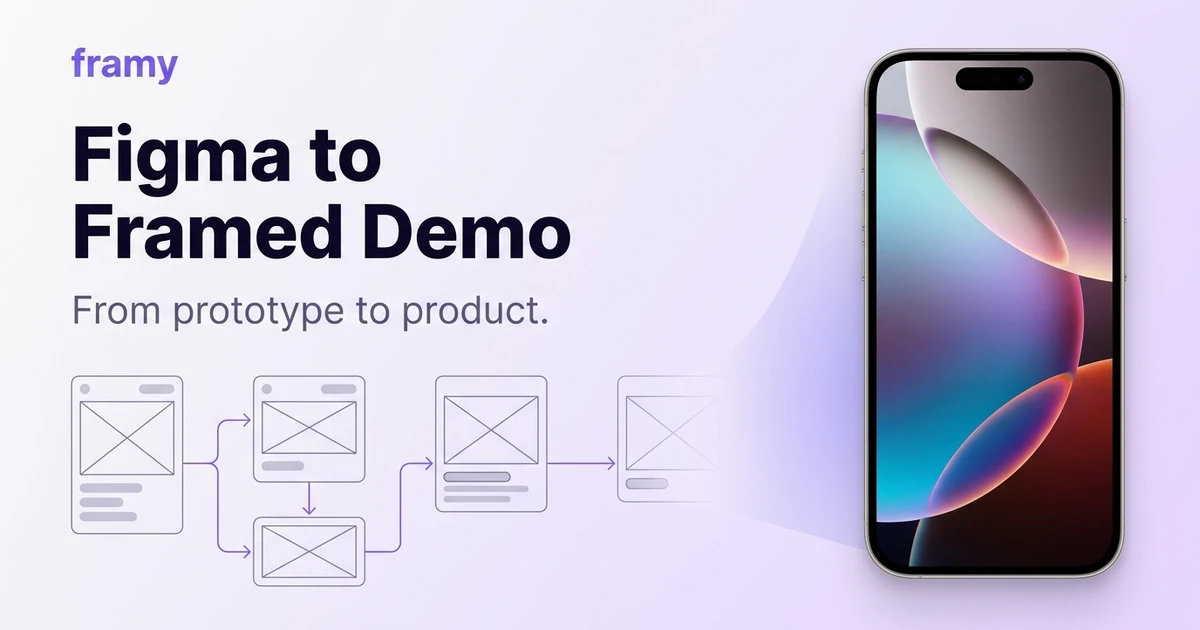
A Figma prototype is interactive, but you can't paste "interactive" into a Reel or a deck. The move is to turn a Figma prototype into a video, then frame it so it looks like a real app instead of a design file. This guide covers recording the prototype and framing the result — free, no watermark.
What you need
- A Figma prototype with the flow you want to show
- A screen recorder (your OS has one built in)
- A browser to frame and export
Step 1: Set the prototype to the right device
In Figma, present the prototype at a phone frame size that matches your target — a current iPhone width. Presenting at device size means the recording already has the right proportions to sit inside an iPhone frame later.
Step 2: Record the flow
Present the prototype and screen-record the flow you want to show:
- Mac: QuickTime or the built-in recorder (Shift-Cmd-5)
- Windows: the Game Bar (Win-G) or any screen recorder
Click through the prototype at a natural pace. Record a little extra at each end for trimming.
Step 3: Trim to the core flow
Cut the fumbling and any dead space. Keep the clean run-through of the key interaction.
Step 4: Frame it in an iPhone
Open the Framy editor, drop in the recording, and it lands inside a real iPhone frame. Pick from 35 models. This is the step that turns a screen capture of a design tool into something that reads as a shipping app — a proper iPhone frame tool does it in one pass.
<!-- TODO: restore in-body image alt="A Figma prototype recording framed inside an iPhone" (missing /blog-media/figma-prototype-to-framed-demo/figma-frame.webp) -->Step 5: Set ratio and export
Pick the ratio for your destination — 9:16 for social, 16:9 for a deck or hero, — and export High quality MP4 with no watermark.
Tips
- Hide the cursor if your recorder allows, or use Figma's tap highlights so interactions read clearly.
- Present at device size so the capture matches the frame's proportions.
- Keep it short. A prototype demo should show one flow, cleanly.
- Caption for social, since the prototype has no narration.
Why frame a prototype
An un-framed prototype recording looks like what it is: a design file being clicked. Inside a device frame, the same flow reads as a real product — useful for validating with users, pitching investors, or teasing an app before it ships. It closes the gap between "design" and "product" for free.
Next steps
Frame your prototype in the free iPhone mockup tool, or read How Designers Present Mobile UI in Real Device Frames. More on the Framy blog.
Try it in the SaaS demo video.