
YouTube Shorts mockup
Framy is a free YouTube Shorts mockup tool with no watermark and no subscription. Set the canvas to the correct YouTube Shorts size, 1080x1920 (9:16), drop your screen recording into a real iPhone frame, and export an MP4 with the original audio kept. Everything runs in your browser, so you can frame a Short and upload it the same day.
Open the editor*Low quality exports are free forever. High quality uses a $1.99 bundle of 30 exports, or $4.99 for 100.
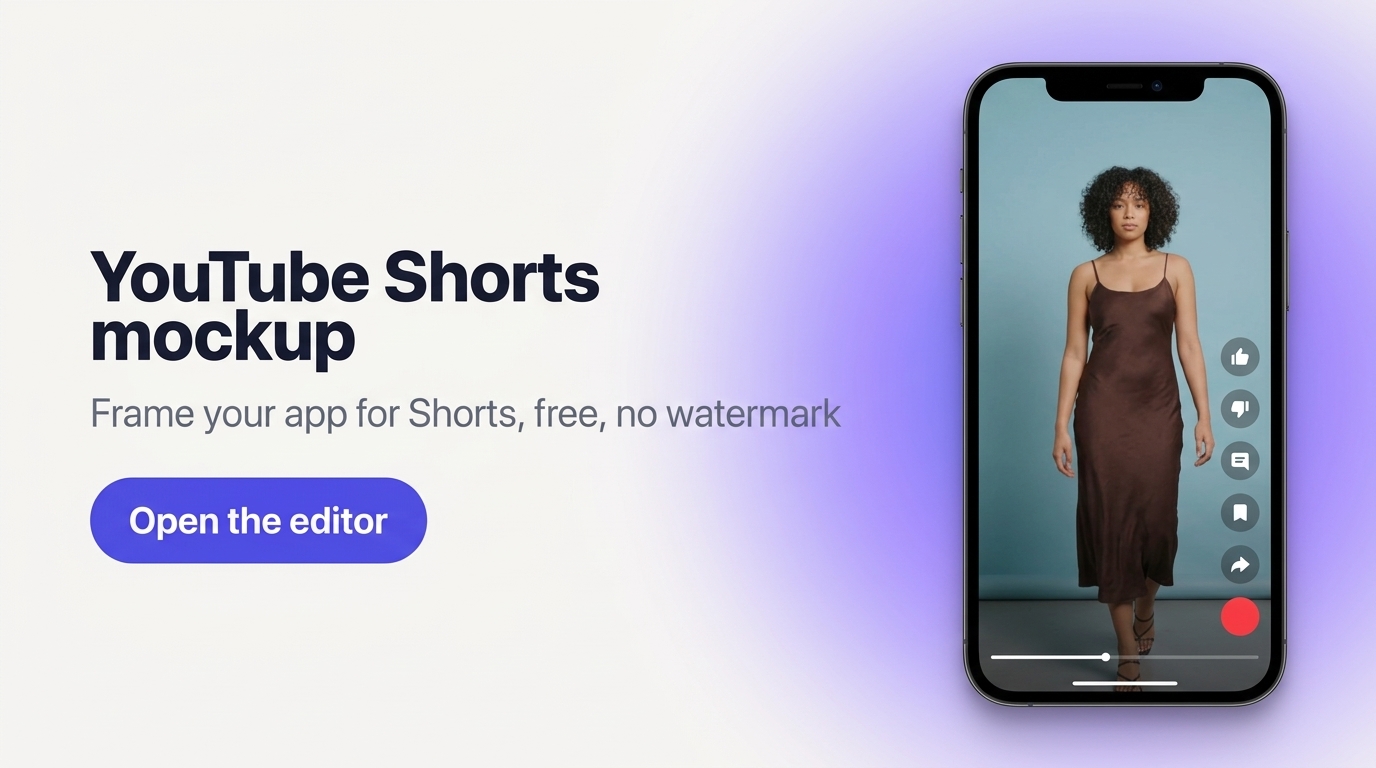
Frame your app for Shorts at the right size
YouTube Shorts play in a vertical 9:16 feed, so the canvas is 1080x1920. Framy sets that up and puts your recording inside a real iPhone frame, so a plain screen capture becomes a clean on-device demo. Keep your hook and any captions high enough that YouTube's title and action buttons do not cover them. When it looks right, export an MP4 with the original audio and publish it as a Short.
How it works
- 1Open the editor and set the canvas to YouTube Shorts size 1080x1920 (9:16).
- 2Upload your screen recording. It appears inside a real iPhone frame.
- 3Position the frame and keep captions clear of the Shorts title and buttons.
- 4Add a background or adjust the layout if you want.
- 5Export the MP4 with original audio and upload it as a YouTube Short.
Prefer the Framy home page? Start there to see the full device range.
Great for
- Indie developers repurposing an app demo into a Short
- Founders sharing a product walkthrough on YouTube
- Creators who want a real iPhone frame around vertical footage
- Anyone who needs the correct YouTube Shorts size without guesswork
YouTube Shorts mockup FAQ
What is the correct YouTube Shorts size?
YouTube Shorts use a vertical 9:16 canvas at 1080x1920 pixels. Framy sets this size for you.
Is the YouTube Shorts mockup free and watermark-free?
Yes. Low quality exports are free forever with no watermark. High quality uses a bundle, $1.99 for 30 exports or $4.99 for 100.
Does the export keep my audio?
Yes. Video exports as MP4 with the original audio kept.
Can I reuse the same clip for TikTok?
Yes. TikTok uses the same 1080x1920 (9:16) size, so the same framed export works on both.