
App Store screenshots generator
Framy makes App Store screenshots without a watermark or a subscription. Drop your app screenshots or a screen recording into a real iPhone or iPad frame, lay out every listing page, and get each one at the exact size the App Store and Google Play require. Everything runs in your browser, so there is nothing to install. Build the full set as one project and export it in a single pass.
Open the editor*Low quality exports are free forever. High quality uses a $1.99 bundle of 30 exports, or $4.99 for 100.
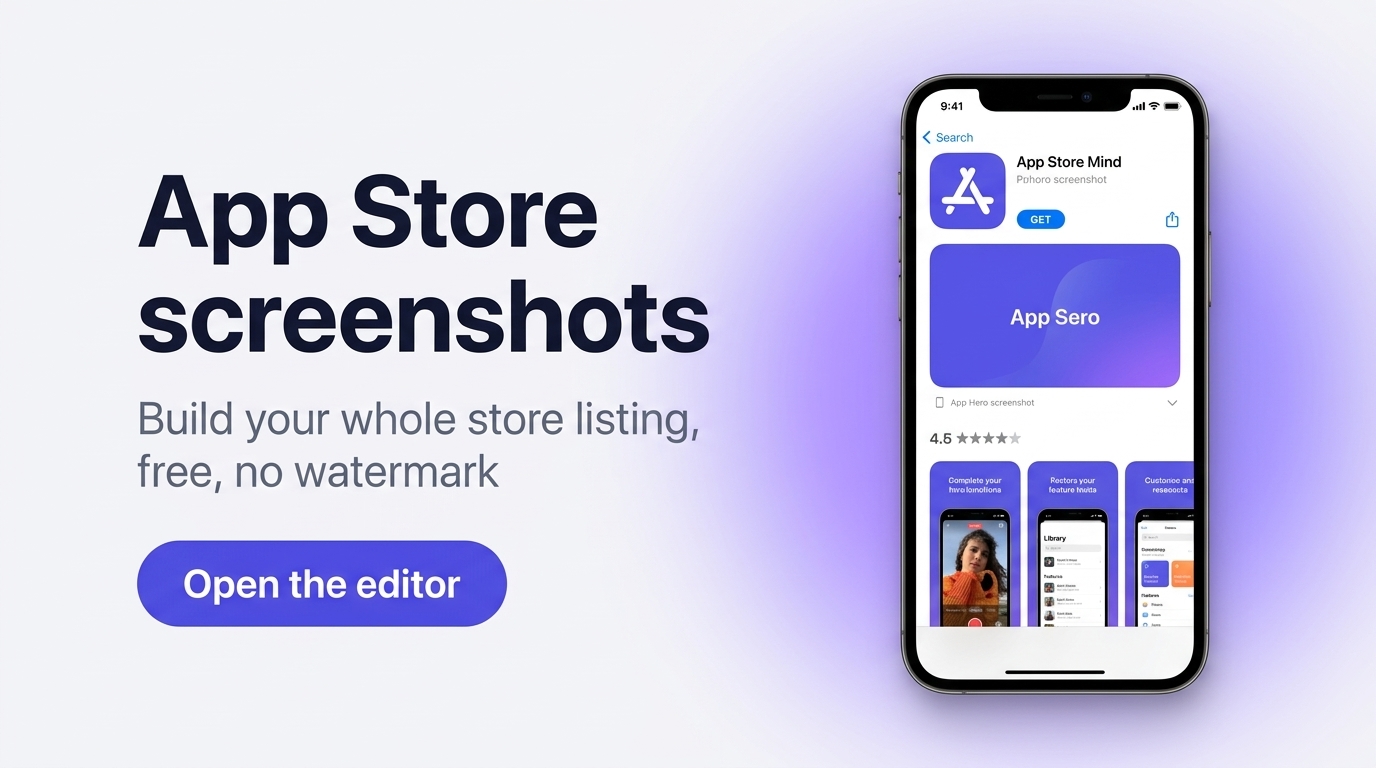
Build your whole store listing at once
Most tools make you rebuild each screenshot one at a time. Framy treats your listing as a single project. Add your frames, arrange the pages in ratio rows, and Framy produces every App Store and Google Play screenshot at the correct size together. When you are done, export the set as a ZIP grouped by size, so the folder maps straight onto the upload fields in App Store Connect and Google Play Console. It works for both static app screenshots and short screen recordings framed in a real device.
App Store screenshot sizes
Apple accepts one to 10 screenshots per device size, as JPEG or PNG with no transparency. Pick the size in the Framy export settings and every page comes out at the pixel size App Store Connect expects. For landscape, swap width and height.
| Display | Devices | Portrait size (px) |
|---|---|---|
| 6.9" iPhone | iPhone 17 Pro Max, iPhone Air, iPhone 16 Pro Max, iPhone 15 Pro Max | 1320 × 2868, 1290 × 2796, 1260 × 2736 |
| 6.5" iPhone | iPhone 14 Plus, iPhone 13 Pro Max, iPhone 11 | 1284 × 2778, 1242 × 2688 |
| 6.3" iPhone | iPhone 17 Pro, iPhone 17, iPhone 16 Pro | 1206 × 2622, 1179 × 2556 |
| iPhone Duo | outer and inner display | 1398 × 2034 (outer), 2007 × 2853 (inner) |
| 13" iPad | iPad Pro (M5, M4), iPad Air (M4, M3, M2) | 2064 × 2752, 2048 × 2732 |
An iPhone app needs a 6.9" set (or 6.5" if you skip 6.9"), and an iPad app needs a 13" set. Smaller displays are scaled from these.
Google Play takes up to 8 screenshots per device type, as JPEG or 24-bit PNG, 320 to 3,840 px on each side, with the long side no more than twice the short one. To be eligible for Play recommendations, add at least four portrait screenshots of 1080 × 1920 or larger. See the Google Play screenshot sizes guide.
How it works
- 1Open the editor and pick your device, for example iPhone or iPad, in portrait or landscape.
- 2Upload your app screenshots or a screen recording. Each one appears inside a real device frame.
- 3Lay out your listing pages in ratio rows and add any captions or background you want.
- 4Choose your export sizes for the App Store and Google Play.
- 5Export the full set as a ZIP grouped by size, then upload it to App Store Connect or Google Play Console.
Prefer the Framy home page? Start there to see the full device range.
Great for
- Indie developers preparing a first App Store and Google Play launch
- Product teams refreshing an existing listing across every screen size
- Founders who need a full screenshot set today, not a subscription
- Anyone framing app screenshots or recordings in a real iPhone or iPad
App Store screenshots FAQ
Is Framy free for App Store screenshots?
Yes. Low quality exports are free forever with no watermark. High quality uses a bundle, $1.99 for 30 exports or $4.99 for 100.
Does it do Google Play screenshots too?
Yes. Framy lays out both App Store and Google Play screenshots at the correct sizes in the same project.
Can I export all sizes at once?
Yes. Export the whole set as a ZIP grouped by size, so each folder matches the upload fields in App Store Connect and Google Play Console.
Do I need an account?
No account is required for basic use. Images export as PNG, and framed recordings export as MP4 with the original audio kept.
How many screenshots can I upload to the App Store?
Apple accepts one to 10 screenshots per device size. Google Play accepts up to 8 per device type. In Framy you build the whole set in one project and export it as a ZIP grouped by size.
How do I design App Store screenshots that get installs?
Lead with your strongest feature in the first two or three screenshots, since those are the ones people see in search results. Keep one short caption per screenshot, keep the app UI large inside a real device frame, and use one color style across the set. Framy handles the frame, the background, and the exact export size.
Related
App Store preview video, iPad mockup, and Free iPhone mockup.