
Pitch deck mockup
Investors skim decks fast, and a screenshot dropped on a slide still looks like a screenshot. A pitch deck mockup puts your product inside a real device frame, so it reads as a live app on real hardware in the two seconds someone spends on the slide. Framy frames a screenshot or a screen recording in an iPhone, iPad, MacBook, or iMac, then exports a clean PNG or MP4. It is free, there is no watermark, and there is no subscription.
Open the editor*Low quality exports are free forever. High quality uses a $1.99 bundle of 30 exports, or $4.99 for 100.
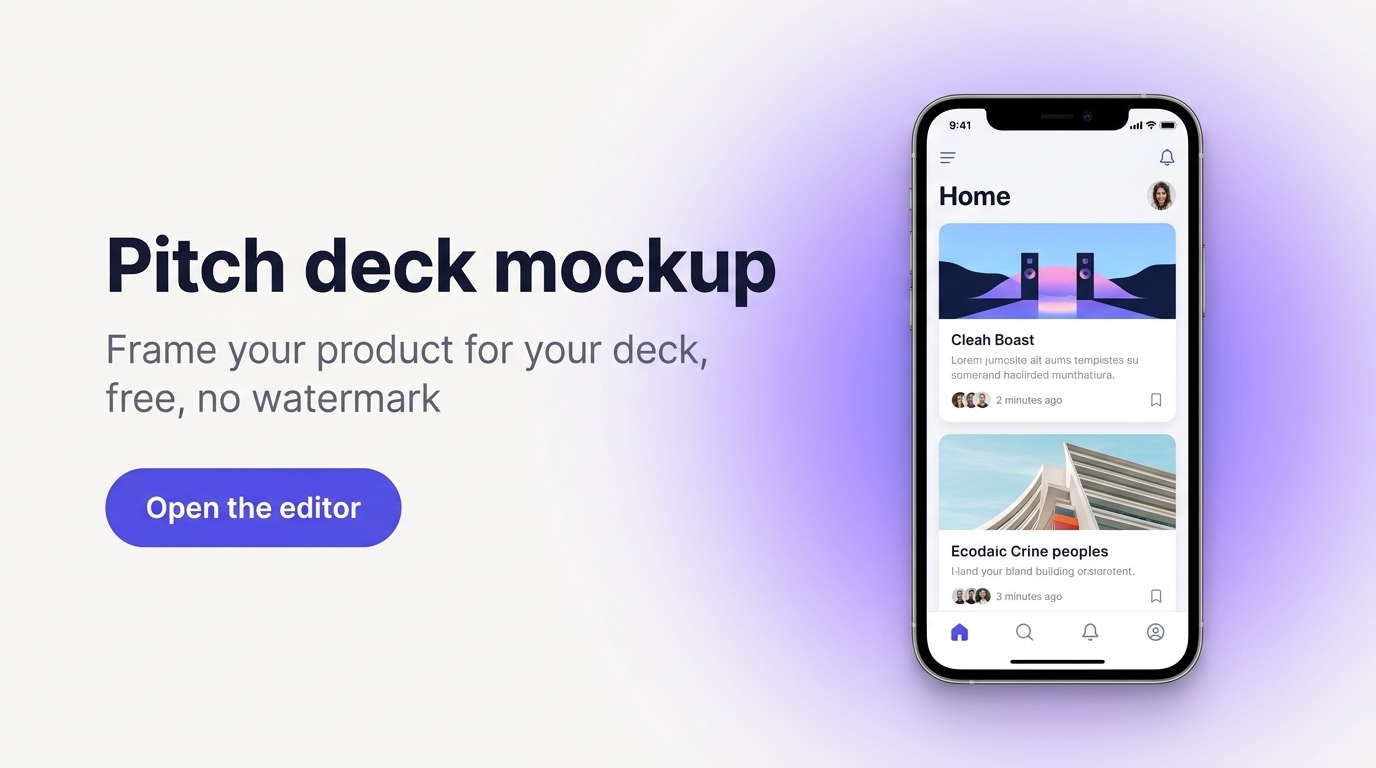
Make the product feel real on the slide
The product slide is where a deck either lands or stalls. A framed device does more work than a wall of feature bullets, because it shows the thing exists and looks finished. For a mobile product, an iPhone frame reads instantly. For a web product, a MacBook or iMac frame fits better. You do not need a mockup on every slide, just a few in the right places: the product slide, the demo or traction slide, and a problem-solution before and after. Framy handles both a still and a clip, so you can choose per slide.
How it works
- 1Pick the screen or flow. Choose the single screen, or a short 10-second flow, that best represents the product.
- 2Open the editor and upload it. Drop in a screenshot for a still, or a screen recording for a clip.
- 3Choose a device frame. Place it in an iPhone, iPad, MacBook, or iMac, whichever matches your product.
- 4Set the ratio and background. Pick 16:9, 9:16, 4:5, or 1:1, and set a background that matches your deck template.
- 5Export. Download a PNG for a still or an MP4 with audio kept, then drop it onto the slide.
Prefer the Framy device mockup tool? Start there to see the full device range.
Great for
- Founders building an investor pitch deck that has to look credible fast
- Product slides that need one clean framed device instead of a feature list
- Demo and traction slides that prove the product exists and works
- Anyone dropping a screenshot on a slide who wants it to look finished
Pitch deck mockup FAQ
Is the pitch deck mockup tool free?
Yes. Low quality exports are free forever with no watermark. High quality exports use a bundle: $1.99 for 30 exports or $4.99 for 100. There is no subscription and no account required to start.
Can I make a still image and a video?
Yes. Frame a screenshot and export a PNG for a still slide, or frame a screen recording and export an MP4 with audio kept for a moving demo.
Which device should I use for my deck?
Use an iPhone or iPad for a mobile product, and a MacBook or iMac for a web product. Framy has iPhone, iPad, MacBook, iMac, Apple Watch, and an iPhone Duo layout.
Do the mockups have a watermark?
No. Every export is watermark-free, on both the free low quality tier and the paid high quality bundles.