Put your video in an iPhone frame. Free, no watermark.

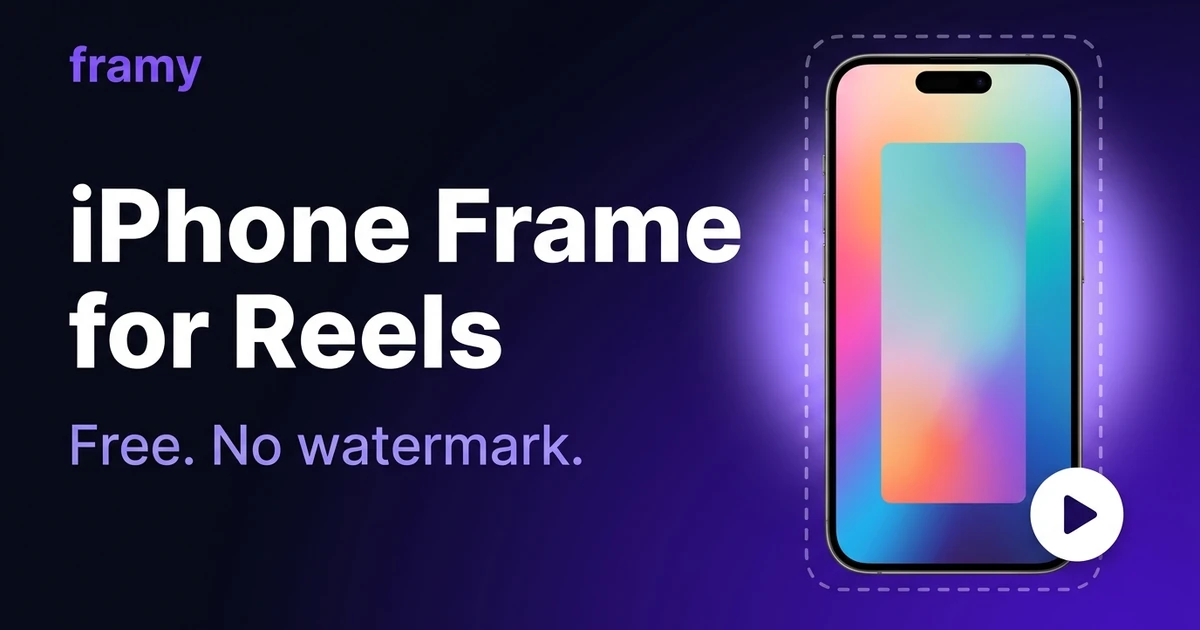
Framy is an iphone frame for video tool built for creators who already have a screen recording and need a polished device mockup fast. Upload your capture, pick from 35 iPhone models, and export MP4 — free, no watermark, entirely in your browser.

35 iPhone models

Drop your video into an

iPhone 16 Pro Max

frame

iPhone 16 Pro MaxiPhone 16 ProiPhone 16 PlusiPhone 16iPhone 15 Pro MaxiPhone 15 Pro+29 more

Open editor

01Step 1

Frame any screen recording in seconds

Skip After Effects and heavy design suites. Drop a recording into the editor, choose your iPhone model and color, and preview the framed result instantly. Built for App Store previews, launch posts, and pitch decks.

Frame any screen recording in seconds

02Step 2

Export up to 4K MP4

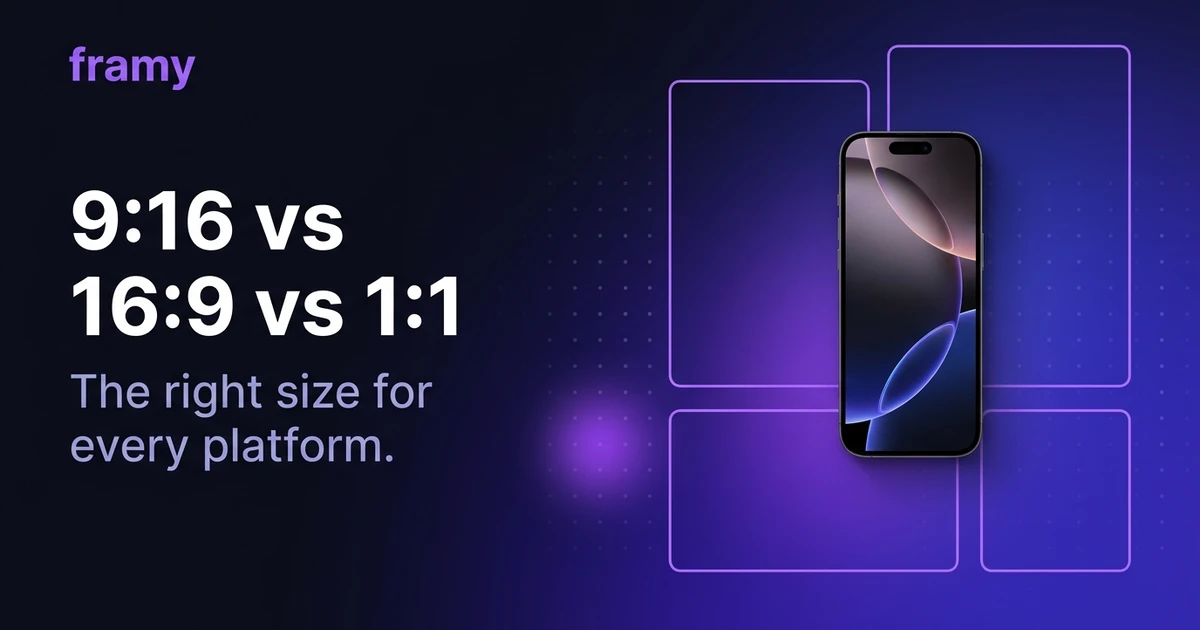
Pick 16:9 for YouTube, 9:16 for Reels and Stories, or 4:5 for Instagram feed. Export tiers run up to 4K with audio from your original recording kept intact.

Export up to 4K MP4

03Step 3

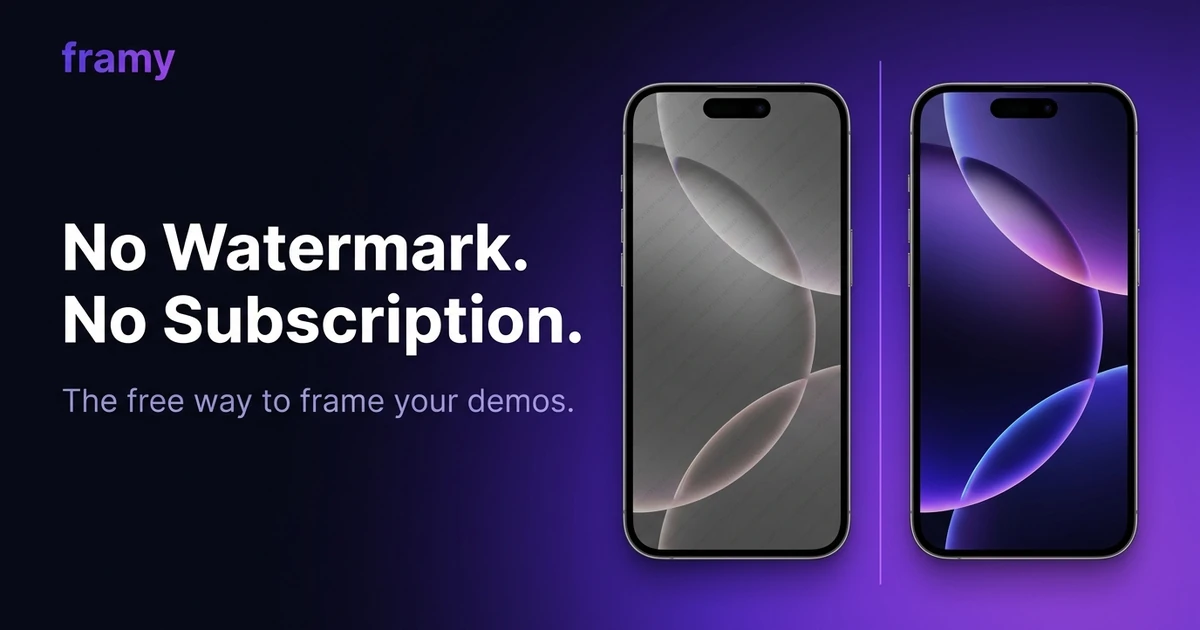
No account, no subscription, no watermark

Early access is fully free — upload, customize, and download without a credit card. Your export ships clean with no watermark burned in.

No account, no subscription, no watermark

How to put a video in an iPhone mockup

Open the editor, upload your file, and pick the device frame. To put video in iphone mockup workflows, Framy wraps your recording automatically — no timeline or layers panel. You can also add video to phone mockup compositions for social posts and product demos in under a minute.

Use Framy for App Store preview video, iPhone frame for Reels, and free iPhone mockup.

Blog

Guides & product updates

Tips for App Store previews, iPhone mockup workflows, and what we're shipping in Framy early access.

iPhone Frame and App Store Video Size Guide — Framy iPhone mockup guide cover image
Eugene Yakubitsky, co-founder of Framy — iPhone mockup editor

Eugene Yakubitsky

Co-founder, Framy

iPhone Frame and App Store Video Size Guide

iphone frame size for app store listings — portrait and landscape ratios, export resolution, and how to frame your preview video for App Store Connect.

Read article →
7 Free iPhone Mockup Tools With No Watermark — Framy iPhone mockup guide cover image
Alexey Maslovsky, co-founder of Framy — iPhone mockup editor

Alexey Maslovsky

Co-founder, Framy

7 Free iPhone Mockup Tools With No Watermark

Compare the best free iphone mockup tools with no watermark — browser editors, export limits, and when Framy is the fastest pick for screen recording mockups.

Read article →
Turn a Screen Recording into a Reel with an iPhone Frame — Framy iPhone mockup guide cover image
Alexey Maslovsky, co-founder of Framy — iPhone mockup editor

Alexey Maslovsky

Co-founder, Framy

Turn a Screen Recording into a Reel with an iPhone Frame

Learn how to frame a screen recording for instagram — upload your demo, wrap it in an iPhone shell, and export vertical 9:16 MP4 free with no watermark.

Read article →

Contact

Questions or ideas?

Missing a device, need a feature, or found something broken — send us a message. We read every submission and reply when we can.

Open contact form

FAQ

Common questions

How do I put a screen recording inside an iPhone frame?

Upload your video in the browser editor, pick an iPhone model and color, adjust the canvas if you need a specific ratio, then export MP4. No timeline, no layers panel — the frame wraps your recording automatically.

Which iPhone models does Framy support?

35 device lines from iPhone 3G through iPhone 16 Pro Max, with multiple finish colors per model. That covers classic home-button phones, the X-era notch lineup, and the latest Pro sizes.

Is Framy free?

Yes — fully free while we are in early access. Upload, edit, and export without a subscription or credit card. We will announce pricing well before anything changes.

What video formats can I upload?

Common screen-recording formats work: MP4, MOV, and WebM from iOS, Android, QuickTime, OBS, and browser capture tools. If your file plays in Chrome, it should upload fine.

Can I export for App Store previews and social media?

Yes. Pick 16:9 for YouTube and landscape posts, 9:16 for Reels and Stories, 4:5 for Instagram feed, or 1:1 for square placements. Export tiers run up to 4K with audio from your original recording kept intact.

Do I need After Effects, Figma, or Photoshop?

No. Framy is a single-purpose browser tool: video in, framed mockup out. It is built for speed when you already have the recording and just need the device wrapper.

Will custom iPhone case designs be available?

We are adding non-standard case frames — clear cases, colored bumpers, and stylized shells — on top of the stock device catalog. They will show up in the device picker as they ship.