
Put your video in an Apple Watch mockup
Framy drops your watchOS screen recording into a real Apple Watch frame so a 40 mm screen actually reads on-screen. Record your watch app, upload the clip, pick a case, and export an Apple Watch mockup video as High quality MP4 — free*, no watermark, no subscription, entirely in your browser.
Open the editor*Low quality exports are free forever. High quality uses a $1.99 bundle of 30 exports, or $4.99 for 100.
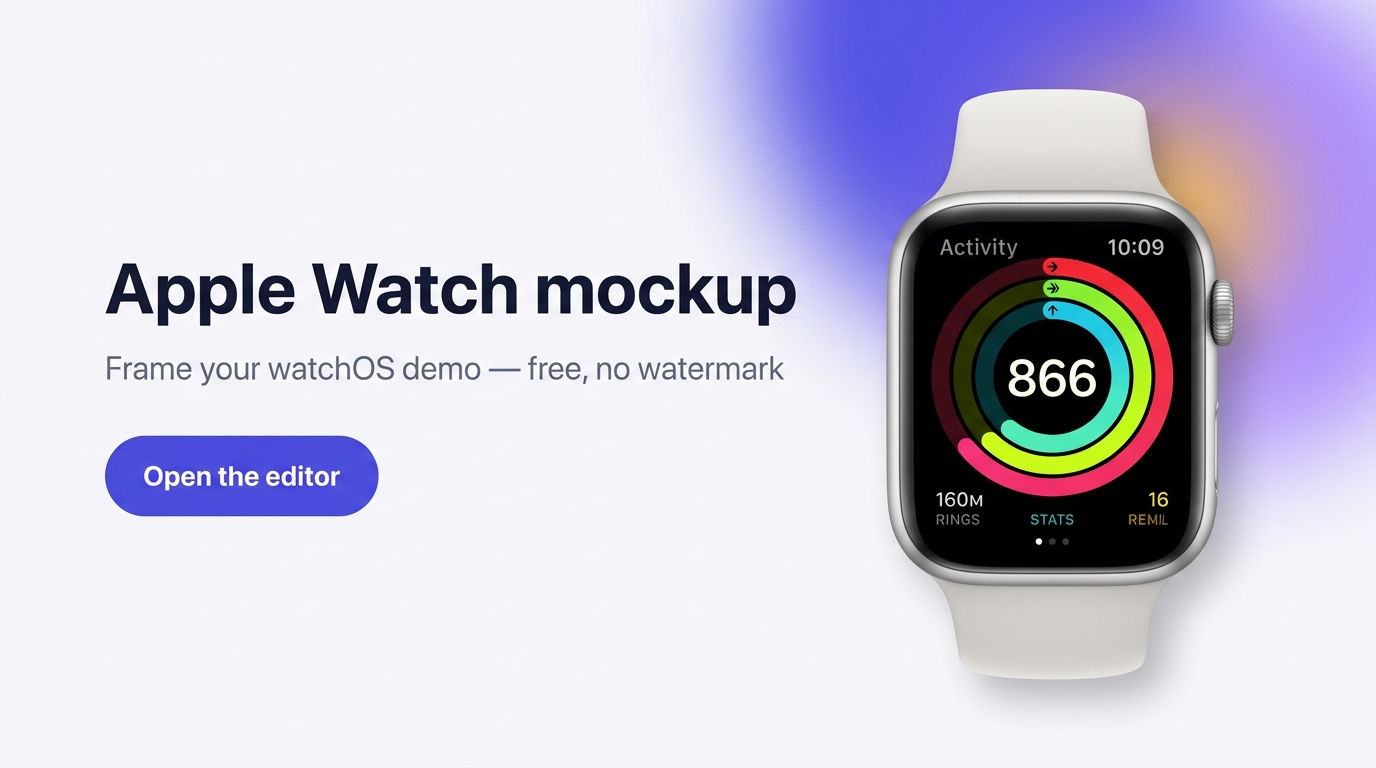
The fastest way to demo a watchOS app
Apple Watch demos are hard because the screen is tiny and every recording looks flat. Framy wraps your clip in a true-to-life Apple Watch mockup — correct case shape, crown, and band — so notifications, rings, and workout screens look like the real thing in a Reel, a landing page, or an App Store preview.
How it works
- 1Record your Apple Watch screen (or export the clip from Xcode / your simulator).
- 2Upload the video to Framy and choose an Apple Watch mockup.
- 3Adjust the fit, pick a background, and preview.
- 4Export an Apple Watch frame video as High quality MP4 — no watermark.
Prefer the iPhone mockup tool? Start there to see the full device range.
Great for
- Fitness and health app demos (rings, heart rate, workouts)
- watchOS notifications and complications
- App Store preview clips for the Watch app
- Reels, Shorts, and TikToks showing a wearable app
Apple Watch mockup FAQ
Is the Apple Watch mockup free?
Yes. Framy is free while in beta — no watermark, no account, no subscription. Export your Apple Watch mockup video and use it anywhere.
What can I put in the Apple Watch frame?
Any screen recording or video of a watchOS app. Upload an MP4 or MOV and Framy fits it to the watch screen.
What quality can I export?
Low (free*) or High quality MP4 at your canvas size, straight from your browser.
Do I need to install anything?
No. Framy runs in the browser — nothing to download.
More device frames
iPhone Duo mockup, MacBook mockup, iPad mockup, and iMac mockup.