
Framy Blog
How to Make an Apple Watch App Demo

Co-founder, Framy
How to make an Apple Watch app demo: record the watch UI, frame it in a real Watch, and export a clean MP4 or PNG. Free, no watermark.
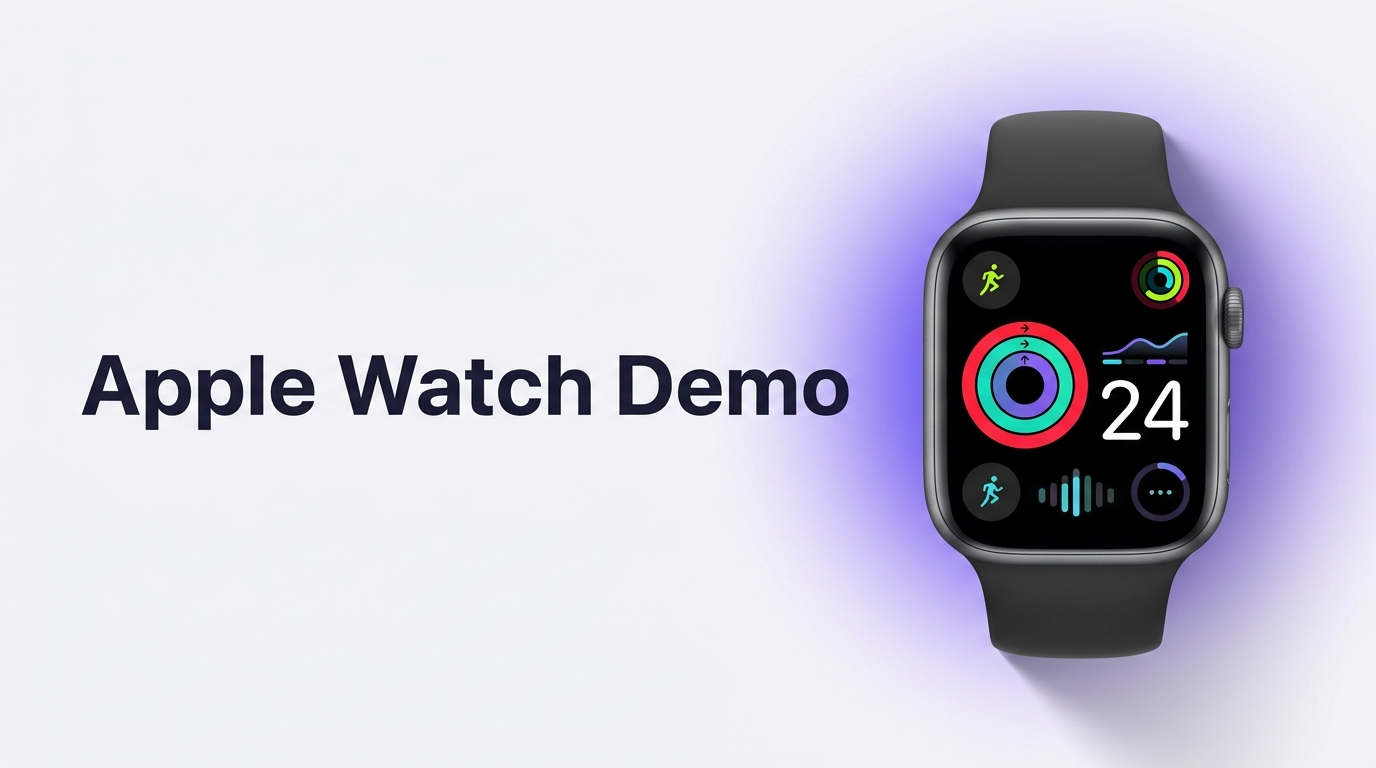
An Apple Watch app is tiny on screen, so a demo has to be legible and framed in a real Watch to be convincing. This guide covers how to build an Apple Watch app demo from capture to export, all in a browser.
Capture the watch UI cleanly
Record your watch app from the Apple Watch simulator or a screen capture of the device. Because the display is small, focus on one interaction at a time: a complication, a workout start, a notification, or a quick glance. Slow the pacing slightly so viewers can follow what is happening on such a small screen.
Frame it in a real Watch
A bare square capture of a watch UI is hard to read out of context. Placing it inside a real Apple Watch shell instantly communicates the device and the scale, and it makes the demo look finished. Framy includes an Apple Watch frame alongside its iPhone, iPad, MacBook, and iMac devices, and fills the screen edge to edge.
Pick the right shape
Watch content is close to square, so 1:1 works well for feeds and product pages, while 9:16 suits Stories and Reels if you place the Watch in the center of the vertical frame with room around it. Keep the key moment centered and large.
How to make an Apple Watch app demo
- Record one clear interaction from the Watch simulator or device, at a calm pace.
- Open the Framy editor and upload the file.
- Choose the Apple Watch frame and fill the screen edge to edge.
- Set 1:1 for feed and product pages, or 9:16 for Stories and Reels.
- Add a short caption if the clip will play without sound.
- Export: video as MP4 with audio kept, stills as PNG. Low quality is free forever; high-quality exports unlock via a bundle at $1.99 for 30 or $4.99 for 100, with no watermark ever.
For the full device reference, see the Apple Watch mockup guide.
Common mistakes
- Cramming several interactions into one short watch demo.
- Moving too fast for such a small screen.
- Leaving the Watch tiny in a vertical frame with wasted space.
- Unreadable UI text or icons at watch scale.
- Exporting a low-resolution file for a public page.
Bottom line
Show one interaction, keep the pace calm, frame it in a real Apple Watch, center it in the right shape, and export a clean file. A framed watch demo makes a small screen easy to understand.
Next steps
Build your watch demo in the Framy editor, read the full Apple Watch mockup guide, or if you are also showing a desktop companion app, see How to Frame a Mac App Demo. You can also put a video in an iPhone mockup for the phone version.