
Put your video in a MacBook mockup
Framy wraps your screen recording in a realistic MacBook frame — the clean way to show a web app or SaaS product in motion. Upload your recording, pick a MacBook, drop it on a background, and export a MacBook mockup video as High quality MP4 — free*, no watermark, no subscription, all in your browser.
Frame my recording*Low quality exports are free forever. High quality uses a $1.99 bundle of 30 exports, or $4.99 for 100.
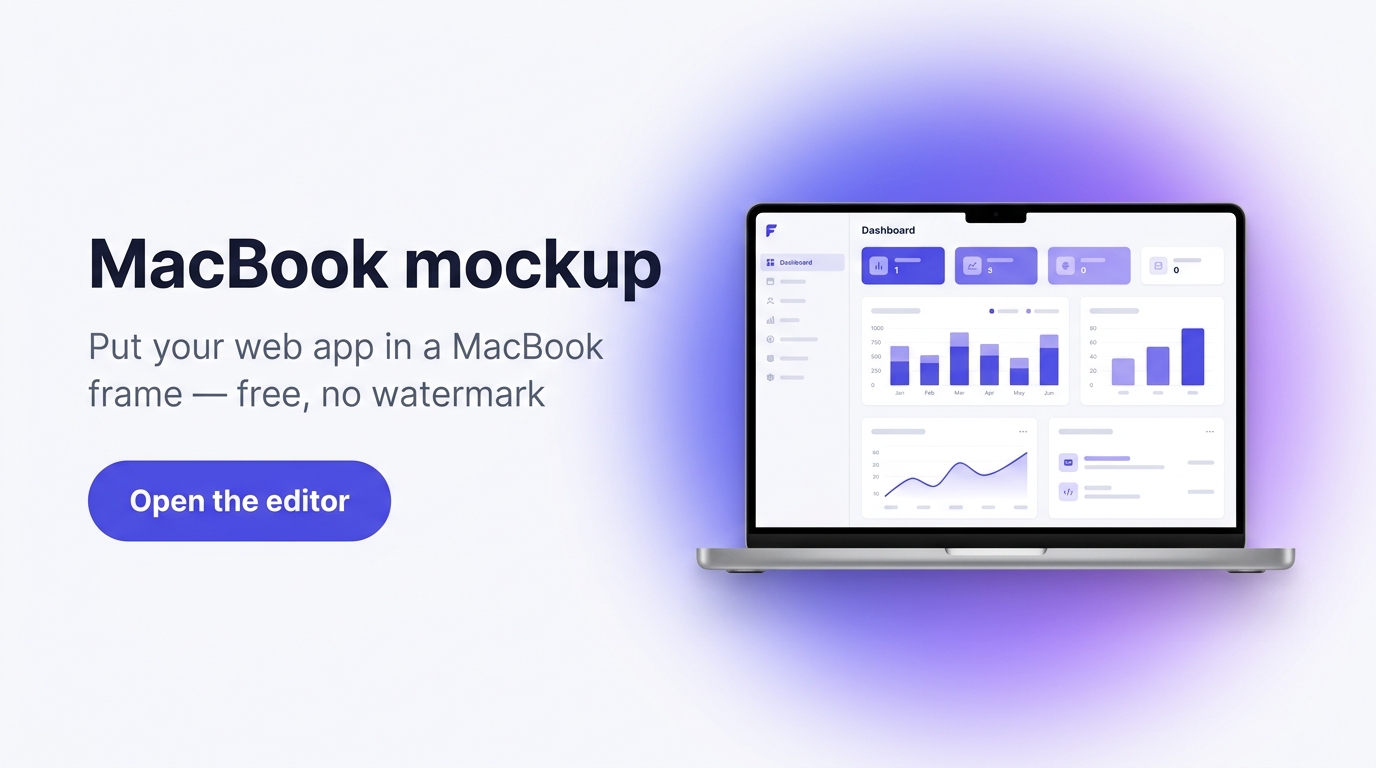
The quickest MacBook mockup video for SaaS demos
A raw screen recording looks unfinished on a landing page. A MacBook frame makes it look like a product. Framy turns your web-app recording into a MacBook mockup video in seconds — no design tool, no timeline, no watermark — ready for a hero section, a demo page, or a pitch deck.
How it works
- 1Record your web app or desktop screen.
- 2Upload the clip to Framy and choose a MacBook mockup.
- 3Set the background and framing, then preview.
- 4Export a MacBook frame video as High quality MP4 — no watermark.
Prefer the iPhone video mockup maker? Start there to see the full device range.
Great for
- SaaS and web-app product demos
- Landing page hero videos
- Pitch decks and investor updates
- Feature launch clips for LinkedIn and X
MacBook mockup FAQ
Is the MacBook mockup free?
Yes — free while in beta, no watermark, no account, no subscription.
Can I use it for a landing page hero video?
Yes. Export High quality MP4 and drop it straight into your site.
What files can I upload?
MP4 or MOV screen recordings of any web or desktop app.
Do I need a Mac to use it?
No. Framy runs in any browser — the MacBook is just the frame around your video.
More device frames
iPhone Duo mockup, Apple Watch mockup, iPad mockup, and iMac mockup.