
Put your video in an Apple HomeView mockup
Framy drops your square screen or recording into a realistic Apple HomeView — the 7-inch Liquid Retina home hub at 1088×1088. Upload a still or clip, pick Silver, Starlight, Rose Pink, or Space Gray, and export a HomeView mockup as High quality MP4 or PNG — free*, no watermark, no subscription, entirely in your browser.
Open the editor*Low quality exports are free forever. High quality uses a $1.99 bundle of 30 exports, or $4.99 for 100.
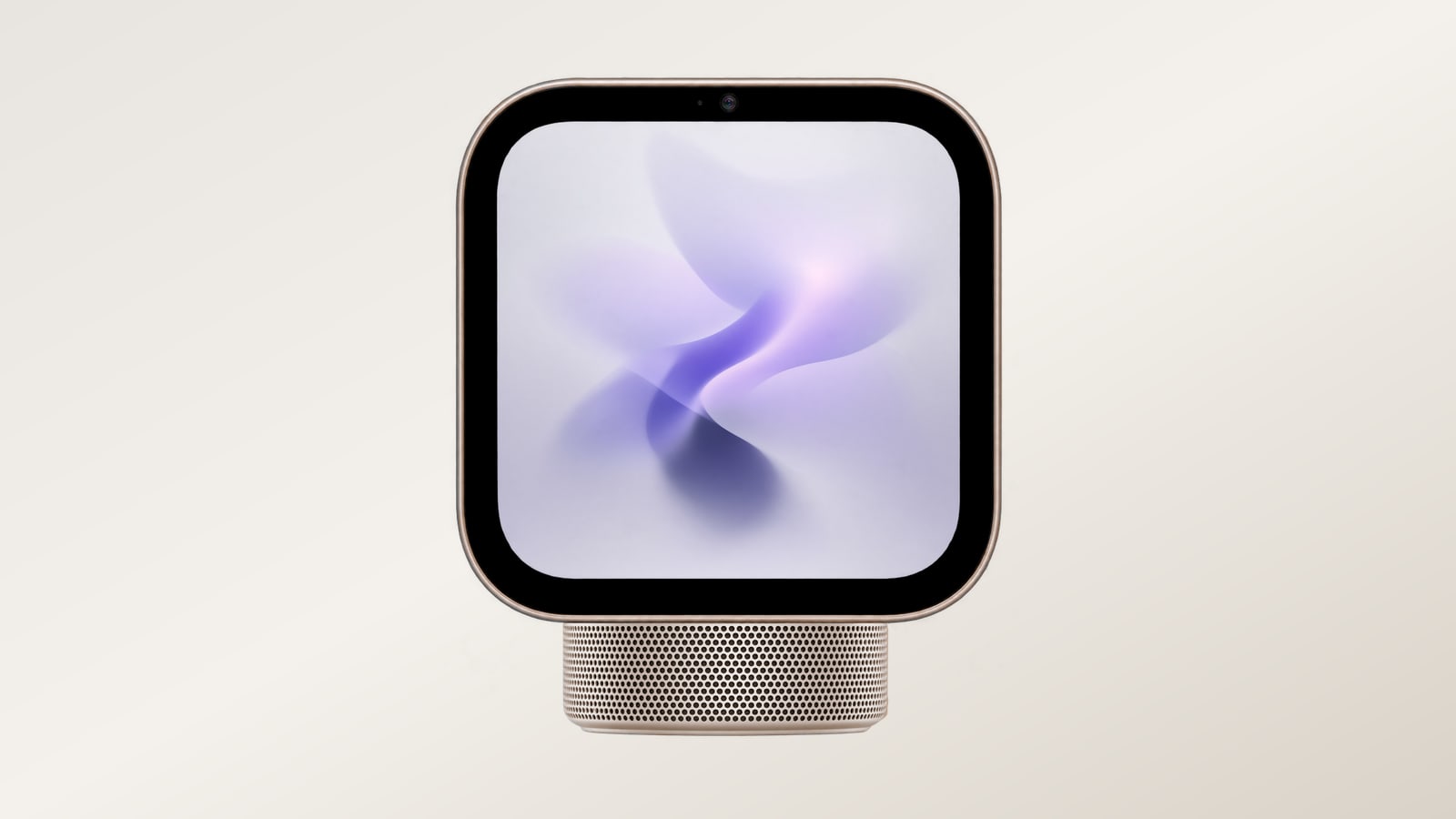
The square home hub, framed in seconds
HomeView is not a phone. A stretched iPhone mockup undersells a kitchen counter display. Framy wraps your UI in a true-to-life HomeView with the official finishes so HomeKit dashboards, CarPlay audio/video previews, and face concepts look like the real product in a Reel, a landing page, or a pitch deck.
How it works
- 1Design or record a square screen (1088×1088 when you can).
- 2Upload to Framy and choose the Apple HomeView mockup.
- 3Pick a finish and background, then preview.
- 4Export High quality MP4 or PNG — no watermark.
Prefer the iPhone mockup tool? Start there to see the full device range.
Apple HomeView screen size
Apple publishes a single native display size for HomeView: 1088 × 1088 pixels at 220 ppi (1:1). There is no App Store Connect screenshot slot for HomeView. Framy’s Apple HomeView canvas preset matches that native size for design and mockups.
Full guide: HomeView screen size and design guidelines.
Great for
- HomeKit and smart-home dashboard demos
- CarPlay audio/video apps previewed on the kitchen display
- Launch Reels, Shorts, and landing-page heroes
- Pitch decks and product pages for the home hub
Apple HomeView mockup FAQ
Is the Apple HomeView mockup free?
Yes. Framy is free while in beta — no watermark, no account, no subscription. Export your HomeView mockup and use it anywhere.
What screen size does the HomeView mockup use?
The frame matches Apple’s square 1088 × 1088 Liquid Retina display. Use the Apple HomeView canvas preset for a native-size project.
Which finishes are included?
Silver, Starlight, Rose Pink, and Space Gray — the official tabletop finishes.
Can I put a video in the HomeView frame?
Yes. Upload a screen recording or MP4. Square sources fill the display; non-square clips can use Contain.
Do I need to install anything?
No. Framy runs entirely in your browser — nothing to download.
Guides
- How to Make an Apple HomeView Mockup (Square 1088 Display)
- Apple HomeView Screen Size & Design Guidelines (1088×1088)
- Framing another small-screen Apple device: Apple Watch app demo.
More device frames
iPhone Duo mockup, Apple Watch mockup, MacBook mockup, iPad mockup, and iMac mockup.