
Framy Blog
How to Make an Apple HomeView Mockup (Square 1088 Display)

Co-founder, Framy
Make an Apple HomeView mockup video or still — frame smart-home UI on the square 1088×1088 display, pick an official finish, and export clean, free and fast.
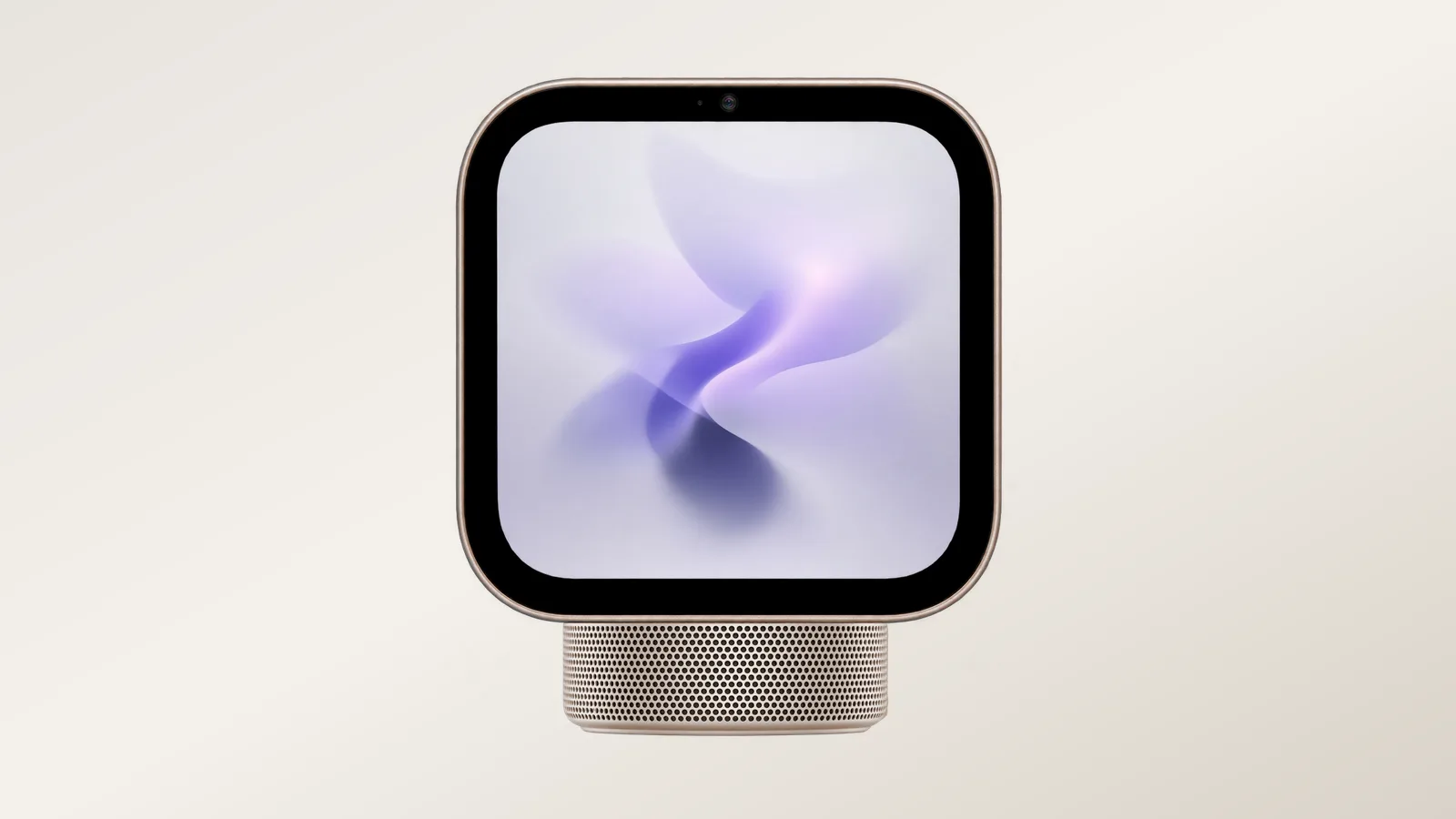
Apple HomeView is a square home hub — a 7-inch Liquid Retina panel at 1088 × 1088 — so a tall phone mockup makes your UI look wrong. This guide walks through how to make an Apple HomeView mockup from a square screen or recording: pick the finish, frame it cleanly, and export without a watermark.
What makes HomeView different to frame
HomeView is not a phone. The canvas is 1:1, the bezel sits on a domed speaker base (tabletop) or a thin wall mount, and people often read it from across a kitchen. Your demo should look like a countertop product shot, not a stretched iPhone.
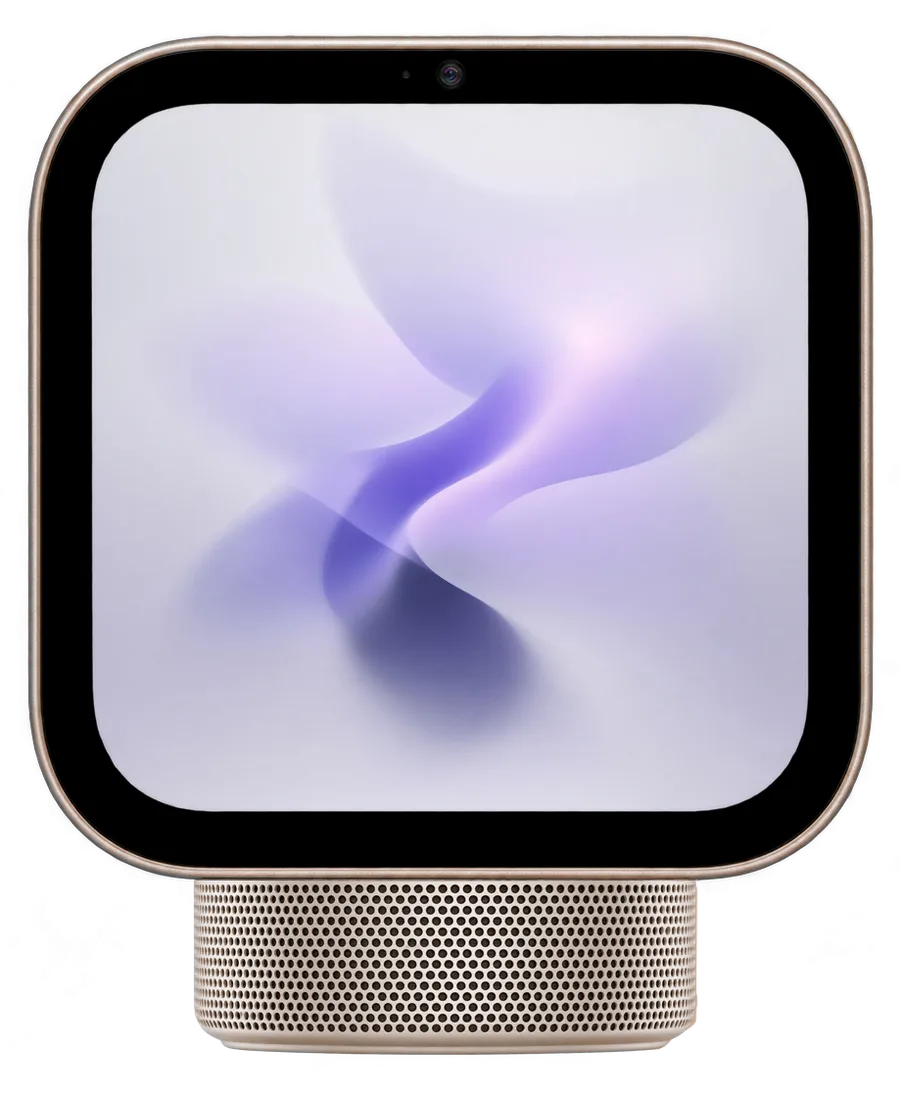
Official tabletop finishes are Silver, Starlight, Rose Pink, and Space Gray. Framy ships those four. (Apple also sells a wall-mounted model; Framy’s frames are the tabletop unit.)
For the pixel specs, widgets, and what Apple has not published for App Store Connect, see Apple HomeView screen size and design guidelines.
Who this mockup is for
- HomeKit / smart-home UI — dashboards, camera grids, climate tiles
- CarPlay audio or video apps previewing how they look on the kitchen display
- Widget and face concepts that need a real device shell for a launch post
- Landing pages and pitch decks announcing HomeView support or a home-hub product
Step 1: Design or capture a square screen
Export or record at 1088 × 1088 (or any 1:1). If you only have a 9:16 or 16:9 clip, you can still place it with Contain — expect bars — or crop to square first when the UI is meant for HomeView.
Keep type large enough to read at arm’s length and from across a room. Tiny phone captions disappear on a 7-inch panel.
Step 2: Pick the finish
Match the story:
- Silver / Starlight — neutral product and App marketing looks
- Rose Pink — softer lifestyle heroes
- Space Gray — darker kitchens and nightstand shots
Step 3: Pick the canvas ratio for where it will live
- Apple HomeView (1088×1088) or 1:1 — product pages, feed posts, store-style grids
- 9:16 — Reels, Shorts, TikTok with the device centered and breathing room around the base
- 16:9 — landing heroes and pitch decks
Step 4: Export clean — no watermark
A watermarked HomeView on a launch Reel or homepage looks unfinished. Export a clean file. Framy exports without a watermark on the free tier.
How to make one
- Prepare a square still or short screen recording (1088×1088 when you can)
- Open the Apple HomeView mockup tool or the editor with HomeView
- Drop in the media and choose Silver, Starlight, Rose Pink, or Space Gray
- Set the canvas ratio (HomeView / 1:1 / 9:16 / 16:9) and a background
- Preview, then export High quality MP4 or PNG — no watermark
Common mistakes
- Reusing an iPhone frame. The ratio and silhouette are wrong for a home hub.
- Cramming phone-density UI into the square — HomeView is often glanceable from across the room.
- Ignoring letterboxing on widescreen video without choosing Contain on purpose.
- A watermarked export on a public launch asset.
Bottom line
Design for the square, frame it in a real HomeView finish, and export clean. The framing step takes a couple of minutes in the browser and is free.
Next steps
Specs and Apple’s published guidance: HomeView screen size and design guidelines.
Make yours in the Apple HomeView mockup tool. For other devices, see the Apple Watch mockup or iPhone Duo mockup. More on the Framy blog.
FAQ
Is the Apple HomeView mockup free?
Yes. Framy is free while in beta — no watermark, no account required to try. Low quality exports stay free; High quality uses a one-time pack.
What screen size should I design for?
1088 × 1088 pixels (1:1), matching Apple’s published Liquid Retina resolution.
Can I put a video in the HomeView frame?
Yes. Upload a screen recording or MP4; Framy fits it to the square display. Use Contain if the source is not 1:1.
Does Framy include wall-mounted HomeView?
Not yet. Frames are the tabletop model with the speaker base in the four official finishes.