
SaaS demo video
A short SaaS demo video shows what your product does faster than a page of copy. Framy takes your web app screen recording and frames it inside a real MacBook or iMac, or keeps it as a clean 16:9 clip, so you get a landing-page hero that looks finished in minutes. Upload the recording, drop it in a frame, and export an MP4 with the audio kept. It is free, there is no watermark, and there is no subscription.
Open the editor*Low quality exports are free forever. High quality uses a $1.99 bundle of 30 exports, or $4.99 for 100.
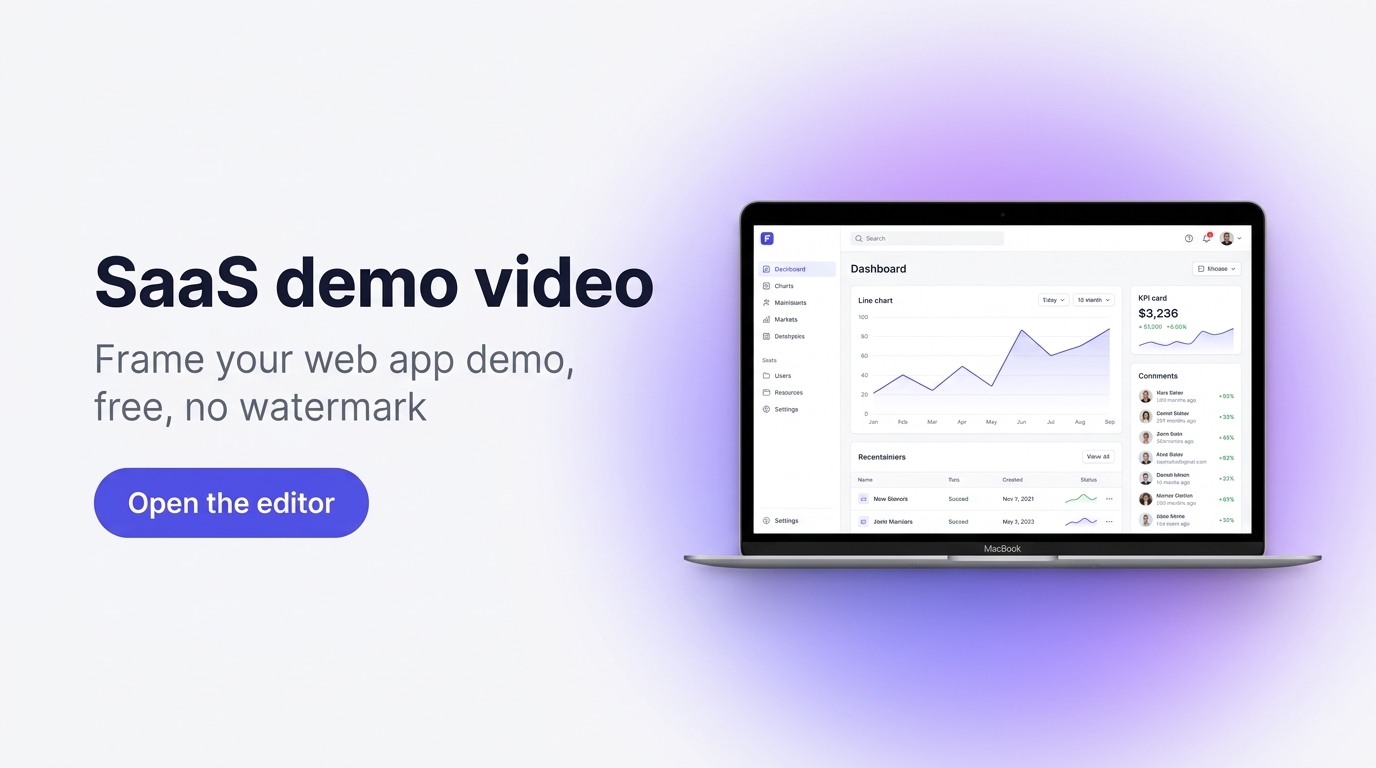
Turn a screen recording into a landing-page demo
Most SaaS landing pages lose visitors before they understand the product. A demo video fixes that, but only if it looks credible. A raw screen capture reads as unfinished, while a recording framed in a MacBook or iMac reads as a real product on a real machine. That small difference is what lifts conversion on a hero section. Framy is built for one job, so there is nothing to learn. You bring the recording, pick a device or keep it flat 16:9, and export. Because exports carry no watermark, the clip belongs to your brand, not to the tool that made it.
How it works
- 1Record your web app. Capture the single flow that ends in the payoff your product delivers, then trim everything before the value starts.
- 2Open the editor and upload the recording. Framy accepts your video and shows it live in the browser.
- 3Choose a frame. Place the recording in a MacBook or iMac, or keep a clean 16:9 with no device, and pick the ratio your hero needs.
- 4Set the export ratio. Choose 16:9 for a wide hero, or 9:16, 4:5, or 1:1 for other placements.
- 5Export the MP4. Download the framed video with its audio kept, then drop it into your landing page.
Prefer the Framy device mockup tool? Start there to see the full device range.
Great for
- B2B SaaS founders building a landing-page hero that has to convert
- Marketers who need a clean product demo without a video editor
- Teams shipping a new feature who want a quick framed clip for the launch
- Anyone replacing a static screenshot with a short, credible demo
SaaS demo video FAQ
Is the SaaS demo video maker free?
Yes. Low quality exports are free forever with no watermark. High quality exports use a bundle: $1.99 for 30 exports or $4.99 for 100. There is no subscription and no account required to start.
Do exports have a watermark?
No. Every export from Framy is watermark-free, on both the free low quality tier and the paid high quality bundles.
Can I keep a clean 16:9 without a device frame?
Yes. You can frame the recording in a MacBook or iMac, or keep it as a flat 16:9 clip with no device, depending on what your hero section needs.
Does the export keep audio?
Yes. Video exports are MP4 with the original audio kept. Image exports are PNG.