
Put your video in an iPhone Duo mockup or frame
Framy drops your screen recording into a realistic iPhone Duo frame — Apple's first foldable iPhone, with its large inner display and outer cover screen. Upload your clip, pick the open or cover view, drop it on a background, and export an iPhone Duo mockup video as High quality MP4 — free*, no watermark, no subscription, entirely in your browser.
Open the editor*Low quality exports are free forever. High quality uses a $1.99 bundle of 30 exports, or $4.99 for 100.
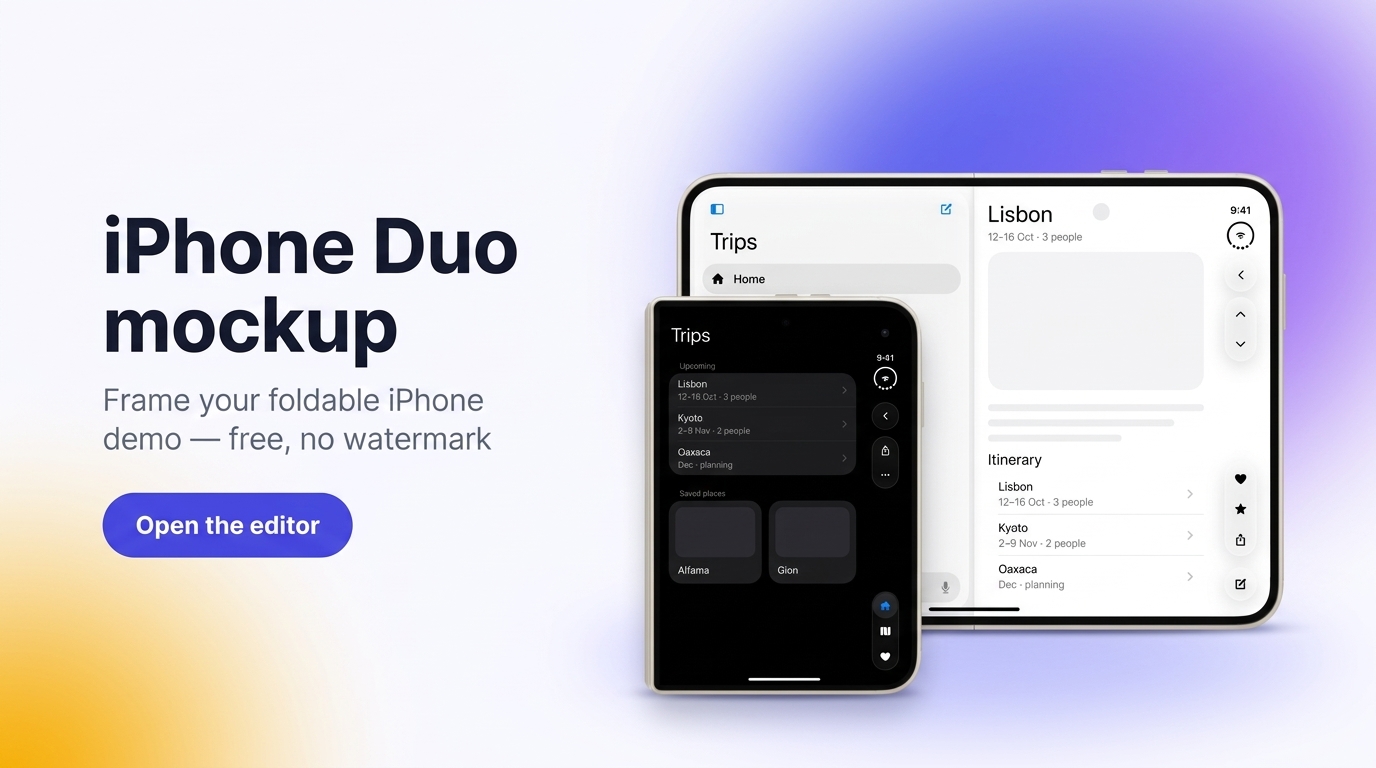
The first foldable iPhone, framed in seconds
The iPhone Duo changes what an app demo looks like: a tall inner screen when open, a compact cover screen when closed. A raw recording doesn't show that off. Framy wraps your clip in a true-to-life iPhone Duo mockup so your app reads like the real foldable in a Reel, a landing page, or an App Store preview — no design tool, no timeline, no watermark.
How it works
- 1Record your app on the iPhone Duo (device or simulator), inner or cover screen.
- 2Upload the video to Framy and choose the iPhone Duo mockup.
- 3Pick the open or cover view and a background, then preview.
- 4Export an iPhone Duo frame video as High quality MP4 — no watermark.
Prefer the iPhone mockup tool? Start there to see the full device range.
iPhone Duo App Store screenshot sizes
Apple uses two screenshot sizes for iPhone Duo: 1398 × 2034 px for the outer display and 2007 × 2853 px for the inner display (portrait). App Preview videos use 886 × 1920 px. Duo screenshots become required in April 2027 for apps built with the iOS 27.1 SDK or later. Framy has export presets for all three.
Full guide: iPhone Duo App Store screenshot sizes.
Great for
- App Store preview videos for the foldable iPhone
- Showing the inner display and cover screen in one demo
- Reels, Shorts, and TikToks riding the new-device wave
- Landing page hero videos and pitch decks
iPhone Duo mockup FAQ
Is the iPhone Duo mockup free?
Yes. Framy is free while in beta — no watermark, no account, no subscription. Export your iPhone Duo mockup video and use it anywhere.
Can I show both the inner and the cover screen?
Yes. Frame your recording in the open (inner display) or closed (cover screen) view and export each one.
Can I make an iPhone Duo App Store preview with it?
Yes. Frame your Duo recording at the right proportions and export a clean High quality preview clip.
What size are iPhone Duo App Store screenshots?
1398 × 2034 px for the outer display and 2007 × 2853 px for the inner display in portrait. Landscape is 2034 × 1398 and 2853 × 2007.
Do I need to install anything?
No. Framy runs entirely in your browser — nothing to download.
Guides
- How to Make an iPhone Duo Mockup Video (Foldable iPhone)
- iPhone Duo Screenshot Sizes for the App Store (2026)
- Framing a regular iPhone instead: here is how to put a video in an iPhone frame.
More device frames
Apple HomeView mockup, Apple Watch mockup, MacBook mockup, iPad mockup, and iMac mockup.