
Framy Blog
Mock.video vs Framy: Which iPhone Frame Tool to Use

Co-founder, Framy
Mock.video vs Framy compared honestly — watermarks, pricing, and the core job. See which iPhone frame tool fits how often you actually frame demos.
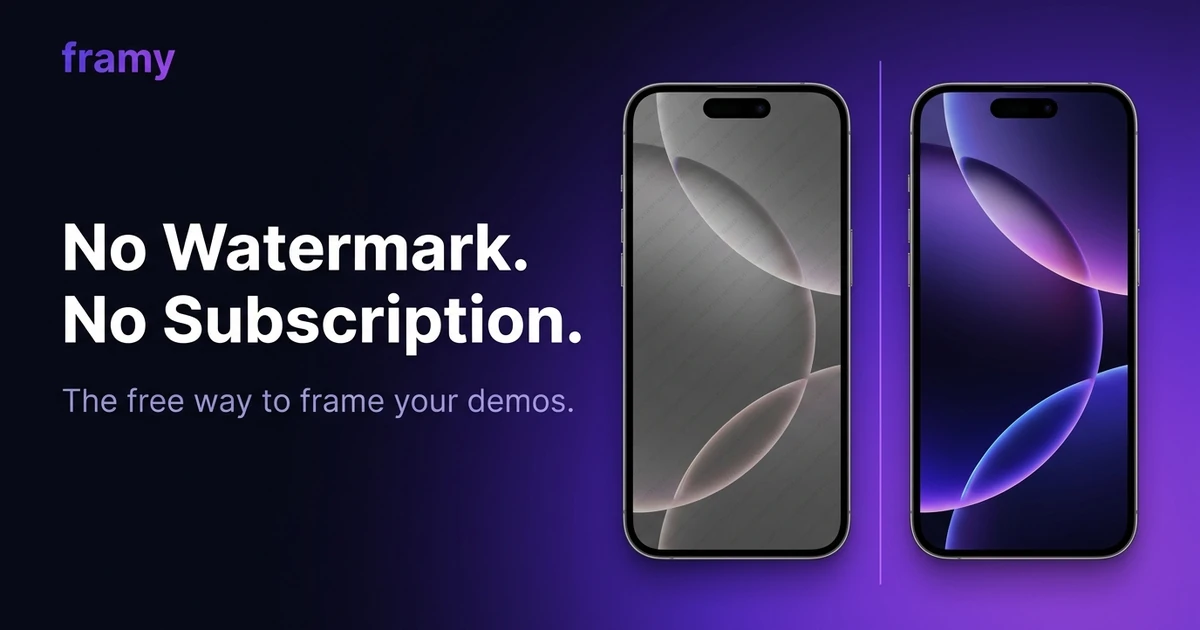
If you found mock.video, framed a clip, and then hit a watermark on the free export or a monthly paywall, this Mock.video vs Framy comparison is for you. Both tools do the same core job — drop a screen recording into a device frame — so the real question is which pricing and which output fit how you work.
I'll be straight about where each tool is stronger, because the right answer depends on what you're making.
What mock.video does well
mock.video nailed one thing: it made "add a device frame to a screen recording" fast and obvious. The use case is exactly right, and the tool is genuinely good at it. The friction is the model around it — the free tier stamps a watermark on exports, and removing it means a Pro subscription. For a team shipping demos every week, that math works. For someone who frames a clip a few times a month, paying monthly for a watermark toggle stings.
Where Framy is different
Framy targets the same job with a different deal: it's free during early access, exports carry no watermark, and there's no subscription. You upload a screen recording or a photo, it appears inside a real iPhone frame in your browser, you pick from 35 iPhone models, and you export High quality MP4. That's the whole product — one job, done well. If you just want to put a video in an iPhone mockup without signing up, that's the fastest path.
The pricing philosophy is the real difference. When Framy does charge, it's pay-per-pack: a small one-time price for a batch of framed exports, not a recurring bill. You pay when you need it and walk away when you don't. Watermarks are never part of the plan, at any tier.
Side-by-side
| mock.video | Framy | |
|---|---|---|
| Core job | Device frame on screen recording | Device frame on screen recording or photo |
| Free export | Watermarked | No watermark |
| Pricing model | Subscription (Pro) | Free now; pay-per-pack later, no subscription |
| Runs in | Browser | Browser |
| Export | MP4 | High quality MP4 |
| iPhone models | Multiple | 35 |
| Account required | For full features | No account for basic use |
This table reflects positioning at the time of writing. Pricing pages change, so check both before you decide.
How to frame a clip in Framy
- Open the Framy editor
- Drop in your screen recording (or an app screenshot)
- Pick the iPhone model that fits your product
- Set the canvas ratio — 9:16 for Reels and Stories, 16:9 for landscape, 1:1 or 4:5 for feed
- Export a clean MP4, no watermark

Which one should you use
- Choose mock.video if you're a team that frames demos constantly and a subscription is a rounding error in your budget, and you want a mature product with a track record.
- Choose Framy if you frame occasionally, you want clean exports without paying monthly, or a watermark on a free export is a dealbreaker for your App Store listing or client work.
Neither is a full motion-design suite. If you need 3D scenes, animated camera moves, and templated backgrounds, look at heavier tools like Rotato or shots.so — and expect to pay for them. Framy deliberately stays simple: the fast, cheap way to get a recording into a phone.
The honest bottom line
mock.video is a good tool with a pricing model that doesn't fit everyone. If the watermark or the subscription is what sent you searching, Framy solves exactly that — same job, free, no watermark, no monthly commitment. Try it once on a real clip and see if the output clears your bar.
Next steps
Frame a clip now in the free iPhone mockup tool, see the full breakdown on the free Mock.video alternative page, or compare more options in 7 Free Device Mockup Tools for App Demos.