
Framy Blog
Halloween iPhone Mockup: Spooky Case + Pastel Background

Co-founder, Framy
Make a Halloween iPhone mockup with Framy’s new spooky case and pastel Halloween background — frame your app screen for seasonal ads, Reels, and store creatives.
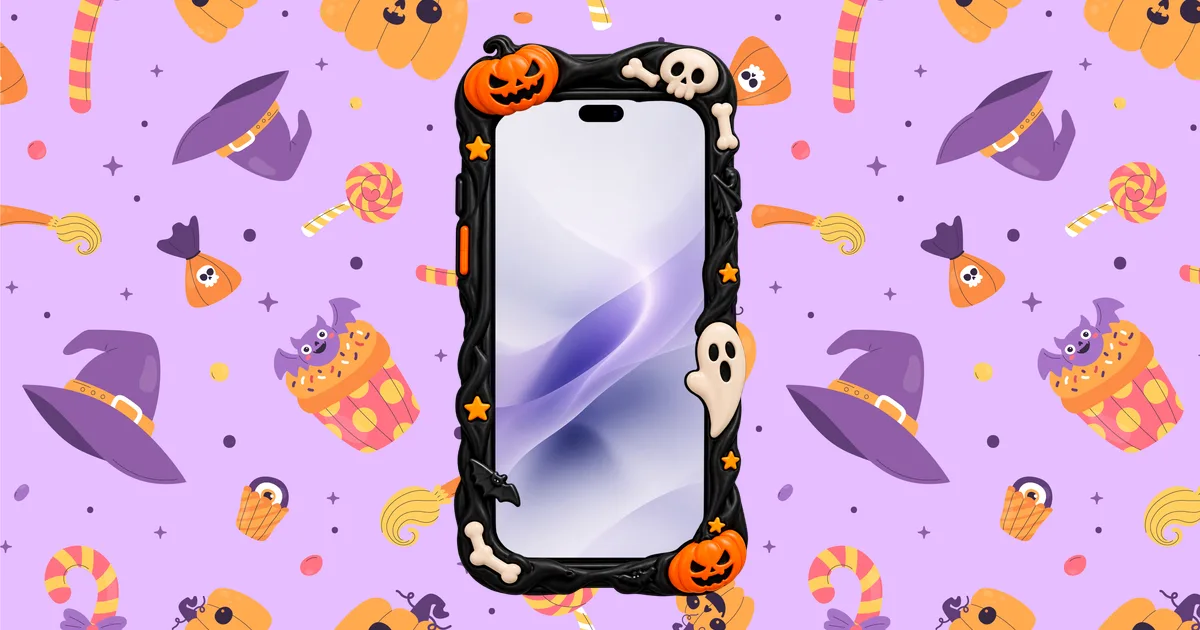
Seasonal creatives convert when they look intentional — not when you drop a bare screenshot on an orange gradient. A Halloween iPhone mockup with a sculpted spooky case and a pastel pattern background sells the vibe in one glance: pumpkins on the bezel, candy on the canvas, your app on the glass.
Framy just shipped both pieces in the editor: an iPhone 18 Pro Max Spooky frame and a flat pastel Halloween background under Playful. Here’s how to use them without fighting App Store or Reels specs.
Why a spooky case beats a plain bezel for Halloween
A standard titanium iPhone frame reads “product demo.” A spooky iPhone case mockup reads “campaign.” The case carries the holiday so your UI doesn’t have to wear a costume — keep the screen honest (real app chrome, real copy) and let the frame do the festive work.
That split is useful for:
- Halloween app ads and Meta/Google seasonal creatives
- Instagram Reels / TikTok posts that need a phone in-shot without filming a desk
- App Store or landing screenshots for a limited-time Halloween feature
- Pitch decks and Product Hunt posts launching around October
What you get in Framy
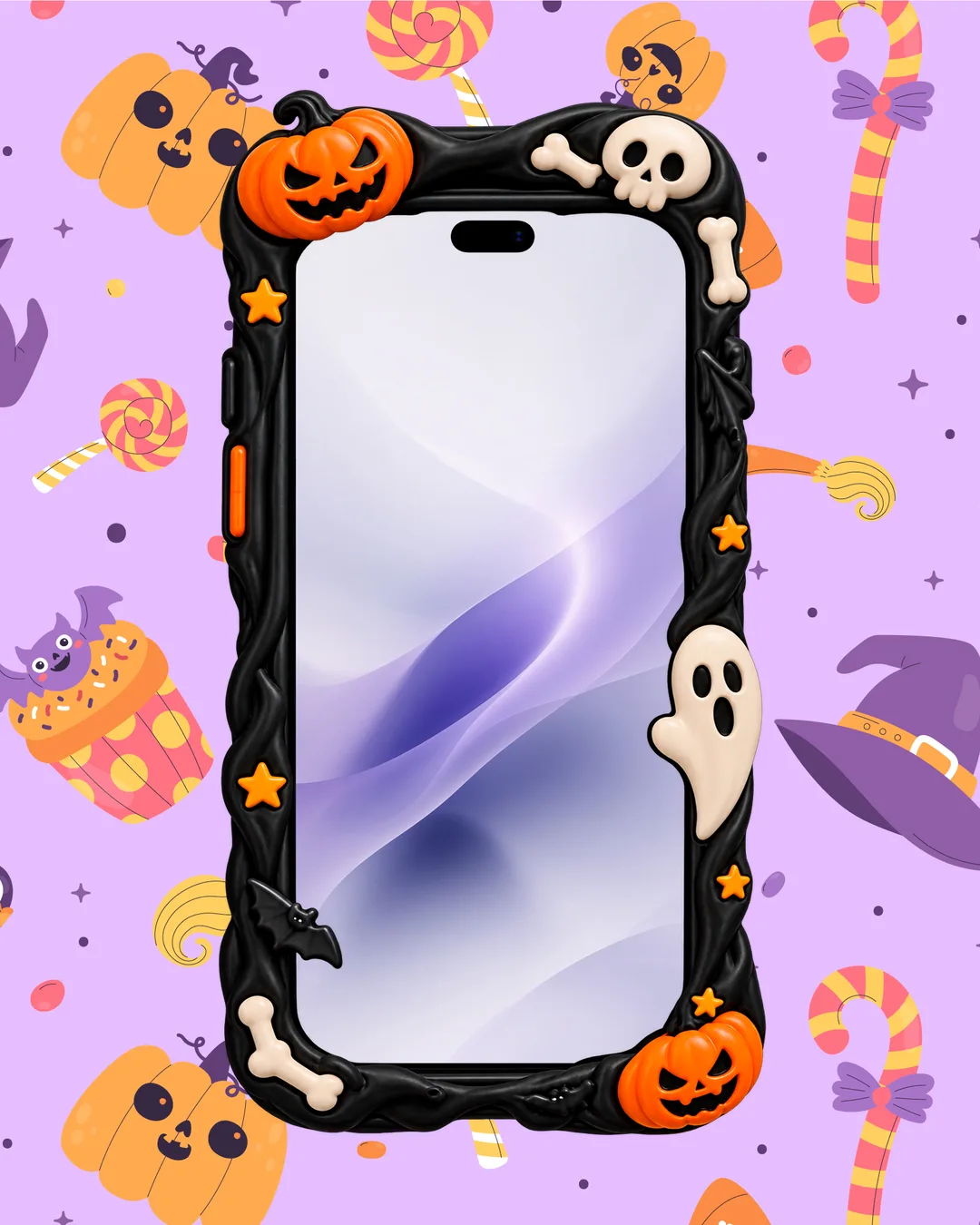
- Device: iPhone 18 Pro Max Spooky — same Pro Max screen ratio as the plain 18 Pro Max, sized to the case opening, Dynamic Island included
- Background: Halloween pastel pattern (Playful category) — witches’ hats, candy, pumpkins on a soft lavender field
- Export: still PNG or High quality MP4, no watermark
Step 1: Open the editor and pick the Spooky device
- Open the Framy editor
- Open the device picker and choose iPhone 18 Pro Max Spooky
- Keep portrait unless your destination is explicitly landscape
The screen hole matches the 18 Pro Max aspect ratio, so recordings and screenshots you already use for Pro Max listings drop in without stretching.
Step 2: Drop in your screen (or recording)
Upload a screenshot or a short screen recording of the flow you want to show. Fill the glass edge to edge — the case ornaments sit on top of the bezel the way a real case would, so you don’t need to inset the UI yourself.
For a still Halloween phone mockup, one strong screen is enough. For a Reel or ad cut, keep the clip under ~20 seconds and centered on one action.
Step 3: Apply the pastel Halloween background
Open Backgrounds → Playful → Halloween pastel. Cover-fit fills the canvas behind the device. Pairing the case with this pattern is the quickest way to a cohesive seasonal look without hunting stock photos.
If your brand is darker, swap the pastel for charcoal or a neon wash — the spooky case still carries Halloween on its own.
Step 4: Set the canvas for where it will live
| Destination | Canvas tip |
|---|---|
| Reels / Shorts / TikTok | 9:16, device centered |
| App Store / ASA-style still | Portrait Pro Max class (e.g. 1320×2868) |
| Blog / landing hero | 16:9 or square with room around the case |
| Ad feed | Match the placement size; keep UI readable at small thumb |
For placement sizes beyond the phone itself, see App Ad Creative Sizes.
Step 5: Export clean
Export PNG for stills or MP4 for motion. Framy doesn’t stamp a watermark — important when the creative is public (ads, store, social). Preview once at phone size: if text looks thin, bump type in the app UI or crop tighter to the feature.
Tips for Halloween creatives that still look like your product
- Don’t costume the UI. Orange buttons everywhere fight the case. Let the frame and background do seasonal; keep the screen on-brand.
- One hero action. A Halloween mockup is noisy by design — the glass should show a single clear job.
- Match case energy to the channel. Pastel pattern + spooky case works for consumer social; for enterprise decks, try the spooky case on a quieter solid.
- Reuse your Pro Max captures. Same ratio as the plain 18 Pro Max frame means no re-record for the seasonal cut.
When this approach wins
Use a Halloween app demo mockup when the holiday is the hook — a limited offer, a spooky skin, a seasonal feature. Skip it when you’re teaching a serious workflow (onboarding, B2B demo); a plain Pro Max or Duo frame stays clearer for those.
Next steps
Make yours in the Framy editor — pick iPhone 18 Pro Max Spooky, apply Halloween pastel, drop your screen, export. For everyday framing without the costume, start from the free iPhone mockup. More guides on the Framy blog.