
Framy Blog
iPhone Screen Sizes and Resolutions for Mockups (2026)

Co-founder, Framy
A reference of iphone screen sizes and resolutions for mockups — point sizes, pixel resolutions, and aspect ratios so your framed demos and screenshots come out crisp.
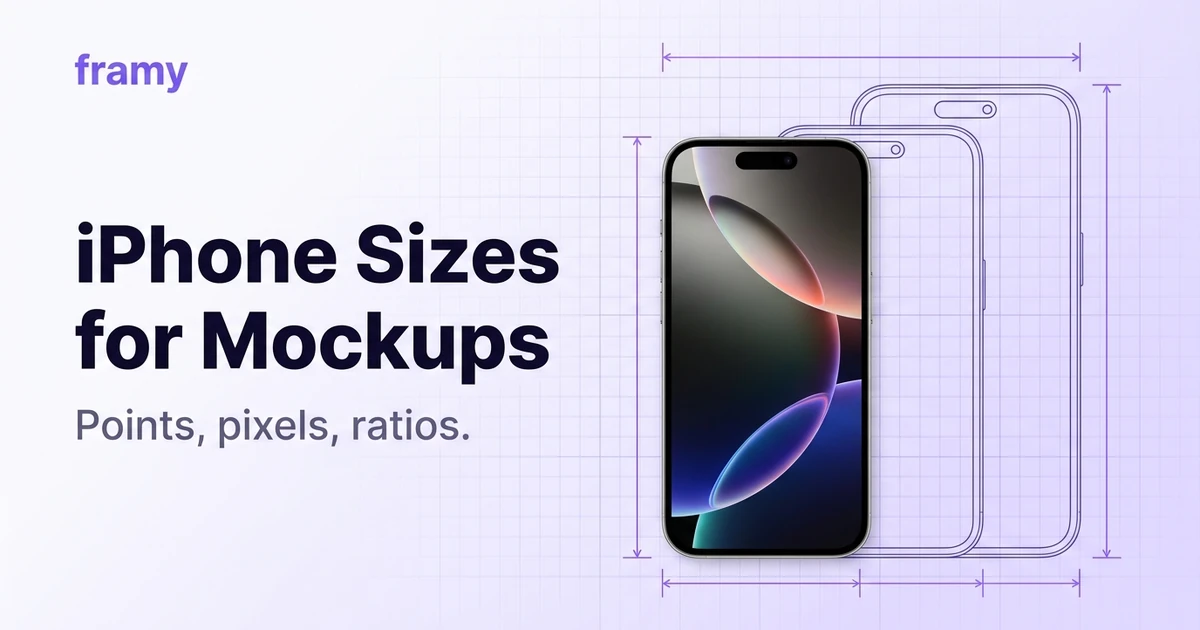
Getting iphone screen sizes and resolutions for mockups right is what keeps a framed demo crisp instead of soft. This is a plain reference: point sizes, pixel resolutions, and the aspect ratios that matter when you frame a screen recording or screenshot. Bookmark it and stop guessing.
Points vs pixels (why there are two numbers)
iOS lays out in points; screens render in pixels. A device has a scale factor (2x or 3x) that multiplies points into pixels. For mockups, the pixel resolution is what you care about — that's the actual size of the image or video the frame holds.
Current iPhone resolutions
Approximate logical and pixel resolutions for recent models. Always confirm the exact spec for a specific device before a pixel-perfect job.
| Class | Logical (pt) | Pixels | Ratio |
|---|---|---|---|
| Pro Max / Plus | 430 × 932 | 1290 × 2796 | ~9:19.5 |
| Pro | 393 × 852 | 1179 × 2556 | ~9:19.5 |
| Standard | 390 × 844 | 1170 × 2532 | ~9:19.5 |
| Mini / compact | 375 × 812 | 1125 × 2436 | ~9:19.5 |
Note the screen ratio is roughly 9:19.5, taller than the 9:16 you export for social. That's why a full-screen app capture gets a little breathing room top and bottom when you place it in a 9:16 social canvas.
Aspect ratios you actually export
The device screen is tall, but your output ratio depends on the destination:
| Output | Ratio | Pixels |
|---|---|---|
| Reels / TikTok / Shorts | 9:16 | 1080 × 1920 |
| Web / YouTube | 16:9 | 1920 × 1080 |
| Feed portrait | 4:5 | 1080 × 1350 |
| Feed square | 1:1 | 1080 × 1080 |
How this affects framing
When you place a tall device capture into a shorter output canvas, you have two clean options: fill the canvas with the frame and crop slightly, or float the framed phone on a background with margin. Both look intentional. What looks wrong is stretching — never distort the ratio to force a fit.
Keep it crisp
- Record at native resolution. Capturing at device resolution avoids upscaling later.
- Export high. Framy exports High quality MP4, giving headroom so the frame stays sharp even after platform re-compression.
- Don't upscale a small source. A tiny capture blown up looks soft no matter the frame.
How to frame at the right size
Open the Framy editor, drop in your capture, pick from 35 iPhone models, and set the output ratio. The iPhone video mockup maker handles the device dimensions; you just choose the model and the canvas shape.
<!-- TODO: restore in-body image alt="iPhone model picker in the Framy editor" (missing /blog-media/iphone-screen-sizes-resolutions-mockups/model-picker.webp) -->Bottom line
iPhone screens are tall (~9:19.5) and render at 2x–3x, so work from pixel resolutions and export high to stay crisp. Match your output ratio to the destination, never stretch, and let the frame handle the device dimensions.
Next steps
Frame a capture in the free iPhone mockup tool, or read Best Aspect Ratio for App Demo Videos for the output side. More on the Framy blog.
Try it in the put an image in an iPhone frame.