
Framy Blog
Rotato Alternative for Quick iPhone Frame Videos

Co-founder, Framy
A Rotato alternative when you want a quick iPhone frame, not a 3D scene. Framy frames screen recordings in the browser, free, no watermark, High quality MP4 export.
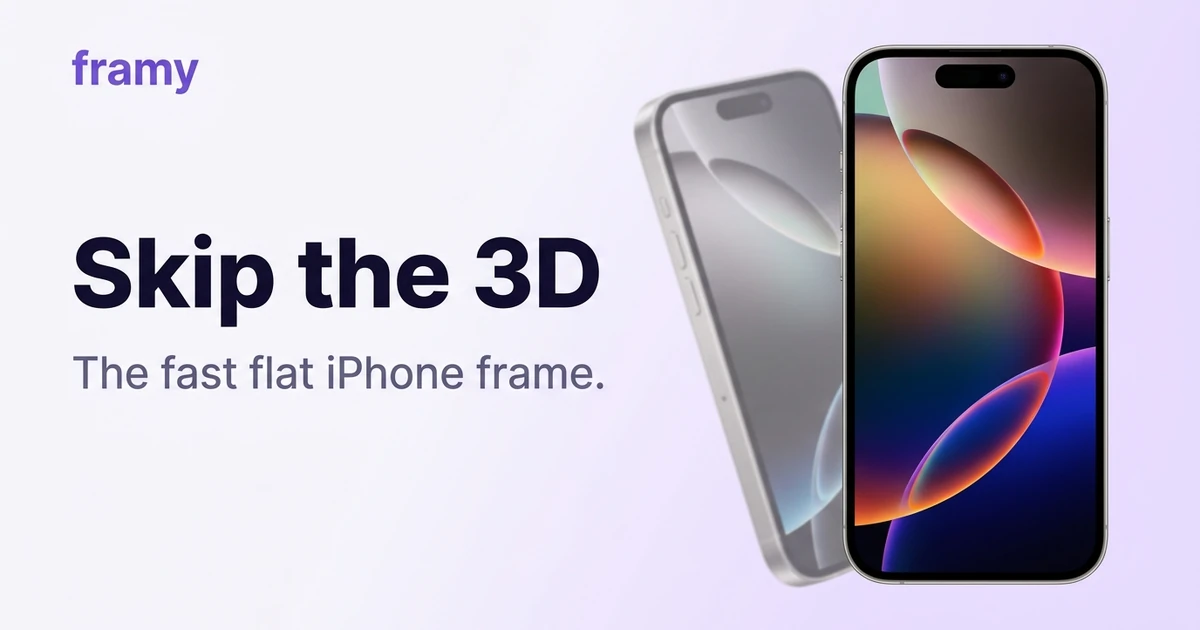
Rotato makes gorgeous 3D device mockups — but 3D scenes, camera moves, and lighting are a lot of tool when all you need is a flat iPhone frame around a screen recording. This is a Rotato alternative for the fast, simple case: upload, frame, export, done.
What Rotato is great at
Rotato is a premium 3D mockup app. If you want a device spinning in space with realistic reflections and animated camera work, Rotato delivers that beautifully, and it's worth the price for teams that need that production value regularly.
Where Framy fits instead
Framy is the opposite of a 3D suite on purpose. It's a browser tool that puts your recording (or photo) inside a realistic flat iPhone frame — the clean, straight-on look you see in most App Store previews and Reels. Pick from 35 models, set the ratio, export High quality MP4. Free during early access, no watermark, no subscription. If you just want to put a video in an iPhone mockup, that's the whole job.
Most demos don't need a rotating 3D phone. They need a crisp, straight iPhone that reads as real. That's the whole point of Framy.
Side-by-side
| Rotato | Framy | |
|---|---|---|
| Look | 3D scenes, camera moves | Flat, realistic straight-on frame |
| Complexity | High | Minimal |
| Runs in | App | Browser |
| Price | Premium, subscription | Free now; pay-per-pack later |
| Watermark | No | No |
| Best for | Cinematic mockups | Fast, clean demo frames |
Positioning at time of writing.
When to pick which
- Pick Rotato if a 3D, animated device is the point — marketing hero shots, high-production launch videos, brand work.
- Pick Framy if you want the standard flat frame fast and free, and a spinning 3D phone would be overkill for a Reel or an App Store preview.
Frame a clip in seconds
- Open the Framy editor
- Drop in your recording
- Pick the iPhone model
- Set the ratio for your destination
- Export a clean MP4

Bottom line
Rotato is for cinematic 3D. Framy is for the everyday flat frame you need in a hurry. If you've been reaching for a 3D app just to get a plain iPhone around a clip, the browser route is faster and costs nothing.
Next steps
Frame a clip in the free iPhone mockup tool, or see the trade-off spelled out in Realistic vs Flat iPhone Mockups: Which Converts Better. More on the Framy blog.