
Framy Blog
iPhone Frame for TikTok: Sizes and How-To

Co-founder, Framy
Put your app in an iphone frame for tiktok — the right 9:16 size, safe zones, and how to frame a screen recording and export a clean MP4 free with no watermark.
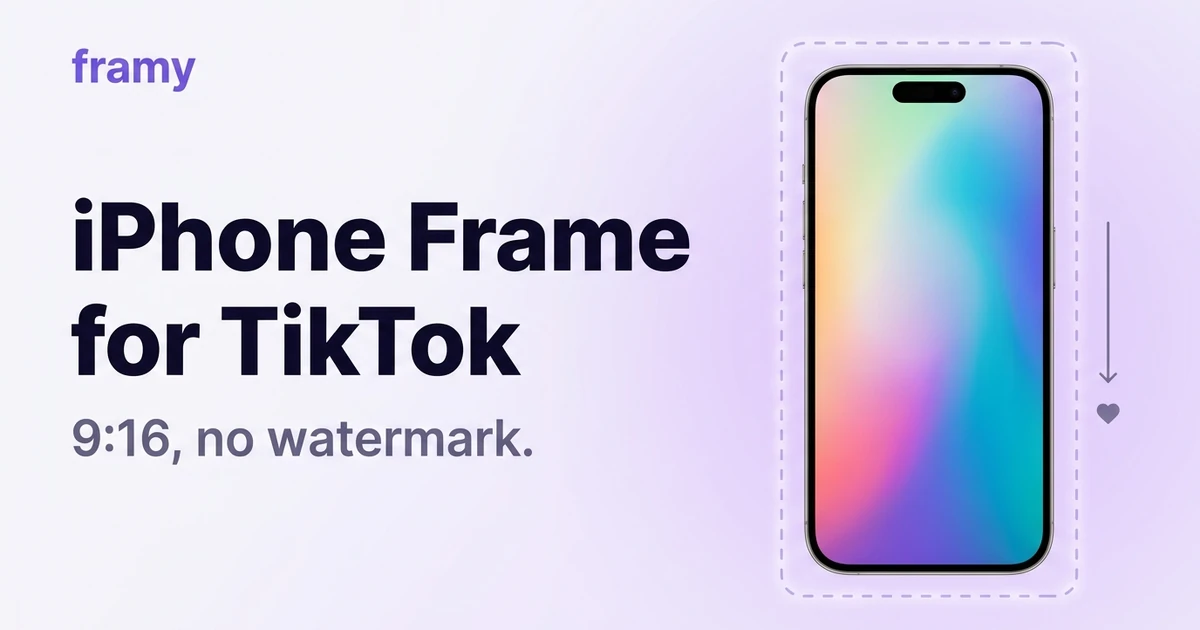
If you're showing an app on TikTok, wrapping the screen recording in an iphone frame for tiktok makes it read as a real product instead of a flat capture. This guide covers the exact size, the safe zones TikTok's UI eats into, and how to frame and export in a couple of minutes — free, no watermark. For the tool page, see the TikTok mockup.
TikTok video size
TikTok is vertical: 9:16, 1080 × 1920. Frame your app in that shape and it fills the screen with no black bars.
| Setting | Value |
|---|---|
| Ratio | 9:16 |
| Resolution | 1080 × 1920 |
| Format | MP4 |
Mind the safe zones
TikTok overlays buttons and captions on the video: the right side (like, comment, share) and the bottom (caption, username, sound). Keep your app's key UI in the center, away from the right edge and bottom third, so nothing important sits under TikTok's controls.
Step 1: Record in portrait
Capture your app vertically with the iPhone screen recorder so the source already matches 9:16. Keep the core action centered.
Step 2: Frame it
Open the Framy editor, drop in the recording, and it lands inside a real iPhone frame. Pick from 35 models — match the one your audience uses. It's the fastest iPhone frame tool for the job, or open the TikTok mockup tool page for the TikTok-sized workflow.

Step 3: Set 9:16 and add a background
Set the canvas to 9:16. A gradient or solid background behind the phone makes the frame pop and gives your captions somewhere to sit that isn't over the UI.
Step 4: Export clean
Export High quality MP4, no watermark, and upload to TikTok. A watermark-free file also lets you cross-post to Reels and Shorts without a competitor's logo on your clip.
Tips for TikTok app demos
- Hook in the first second. TikTok's scroll is fast — open on the payoff.
- Caption everything. Most people watch on mute.
- Keep UI out of the right rail where the action buttons live.
- Reuse the export for Reels and Shorts; they're the same 9:16.
Why frame at all
A bare capture blends into the feed. A device frame signals "this is a real app," which earns the extra half-second of attention that decides whether someone watches or scrolls. It costs nothing here and takes two minutes.
Next steps
Frame your TikTok clip with the iPhone frame for Reels tool (same 9:16 flow), or read How to Convert a Screen Recording to Vertical Video if your source is horizontal. More on the Framy blog.