
Framy Blog
Black Friday Ad Template for Apps (Free, 2026)

Co-founder, Framy
Free Black Friday ad templates for app sales: your real paywall in an iPhone frame, sized for Stories, Reels, feed and video ads. No watermark.
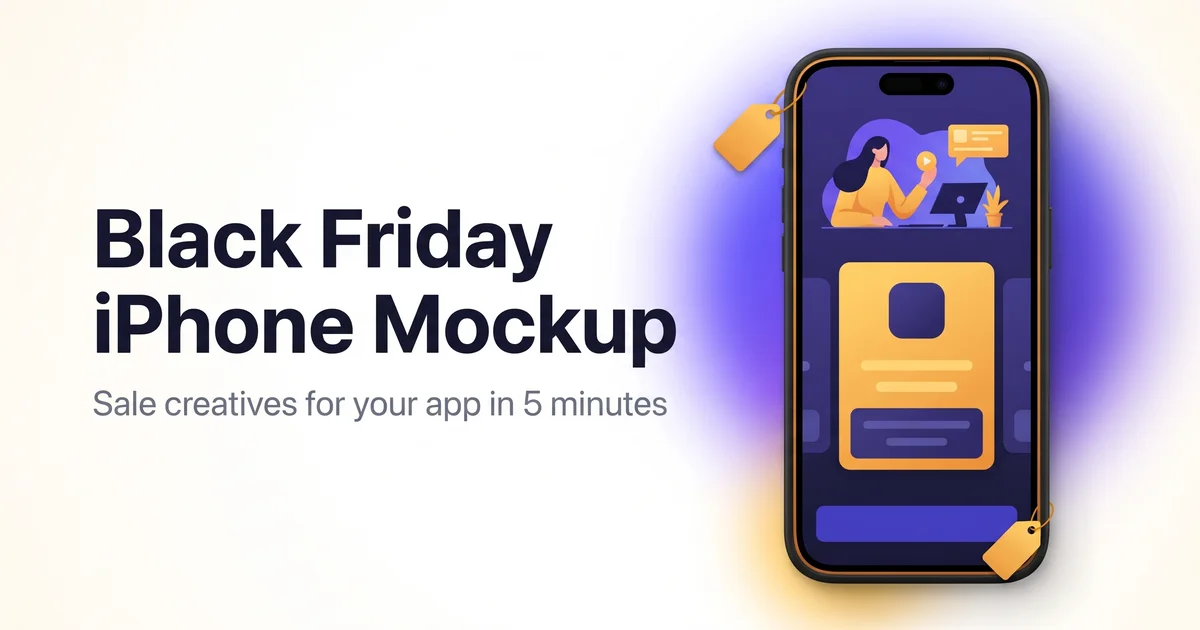
A Black Friday ad template for an app is a ready layout with a real iPhone frame, a bold background and space for your offer: you drop in your sale screen, type the deal, and export. In Framy the templates are free to use, work for Stories, Reels, feed ads and video, and export PNG or MP4 with no watermark.
Black Friday falls on November 27, 2026, and Cyber Monday on November 30. Most Black Friday templates and Black Friday mockups online are built for physical stores: a product photo and a big "SALE". If you are discounting an app, a subscription or in-app purchases, you need something different: your real app screen inside a phone, with the price people will actually pay.
Why app sales need their own ad template
A generic Black Friday template shows a shopping bag. An app sale ad has to show the app. A real phone frame with your paywall on screen does two jobs at once: it proves this is a real product, and it puts the discounted price where people trust it, inside the app.
Where these templates work:
- Meta, TikTok and Google ads for a limited-time discount
- Instagram Stories and Reels announcing the sale
- Video ads, using a short screen recording instead of a still
- App Store promotional content and in-app event images
- Email headers and landing page heroes for sale week
- X and LinkedIn posts from founders announcing a deal
Black Friday case and backgrounds
Pick iPhone 18 Pro Max Black Friday in the device picker — a matte black case with amber sale-tag charms on the rim. Under Background → Seasonal (or search), use:
| Background | Look |
|---|---|
| Black Friday Bold | Red field with BLACK FRIDAY tags — loud sale energy |
| Black Friday Gold | Premium matte black gifts and ribbons |
| Cyber Monday Neon | Dark studio with gift cubes and a red bow |
Solid Black, Hot punch, or Neon lane still work if you want a simpler canvas. Or jump straight in with the Black Friday case + Gold background already selected.
Black Friday ad templates for app sales
Open the Framy editor with the Black Friday case and Gold background, upload your screenshot or recording, then open Templates. For a sale, these work best:
| Template | Section | Best for |
|---|---|---|
| Ad Split Dark | Ads | Feed ads: copy on one side, phone on the other, dark and premium |
| Ad Caption | Ads | Phone as the hero, one bottom line with the offer |
| Bold Ember | Bold | Stories and Reels that need to stop the scroll |
| Bold Neon | Bold | Loud, high-contrast promo, good for Cyber Monday |
| Story Hook | Social | Instagram Story template with the hook in the safe zone |
Each template already places the phone, the headline and the background. You only change the words and the screen.
How to make a Black Friday ad in 5 steps
Step 1: Show the deal inside your app
Put the offer where people will believe it: in your real UI. A paywall with the discounted price, a "Black Friday" banner inside the app, or the checkout screen with the new price all work better than text added on top. Take a screenshot, or record 5 to 10 seconds of the flow for a video ad.
Step 2: Pick a template
Choose one from the table above. Ad Split Dark is the safest start for feed ads; Bold Ember or Story Hook for Stories and Reels.
Step 3: Write the offer in the headline
Replace the template's headline with your deal. Keep it short and specific:
- "50% off yearly. Until Dec 1."
- "Black Friday: Pro for $19"
- "Last day: 40% off"
Lead with the number. "Big sale" says nothing; "50% off yearly" sells.
Step 4: Match the device and background
iPhone 18 Pro Max Black Friday carries the sale look on the case; plain iPhone 18 Pro Max Black also works if you want a cleaner bezel. For the canvas, pick Black Friday Bold, Black Friday Gold, or Cyber Monday Neon under Background → Seasonal — or solid Black, Hot punch, or Neon lane for a simpler look.
Step 5: Size it and export
| Placement | Canvas |
|---|---|
| Instagram and Facebook Stories, Reels, TikTok | 9:16 (1080 × 1920) |
| Instagram and Facebook feed ads | 4:5 (1080 × 1350) or 1:1 |
| App Store screenshots | Pro Max class, 1320 × 2868 |
| Email header, landing hero | 16:9 or custom |
Export PNG for static ads or MP4 for a video template. Make one version per placement before the sale starts, so on November 27 you only press publish. For every ad network's sizes in one place, see App Ad Creative Sizes.
Black Friday video ad template
Static ads work, but a 6 to 10 second clip of your app moving usually gets more attention in Stories and Reels. Record the path from the paywall to the discounted price, upload the recording instead of a screenshot, keep the same template, and export MP4. New to framing recordings? See how to put a video in an iPhone frame. The headline stays on screen the whole time, so the offer is visible even with the sound off.
Tips for app sale ads
- Put the end date on it. "Until Dec 1" adds urgency without shouting.
- Keep the UI honest. Show the real paywall with the real price. Fake screens hurt trust and can get ads rejected.
- One message per ad. Price or feature, not both.
- Reuse for Cyber Monday. Duplicate the project, switch to Bold Neon or the Neon lane background, change "Black Friday" to "Cyber Monday".
FAQ
Where can I get a free Black Friday ad template for my app? In the Framy editor. Open Templates, pick Ad Split Dark, Ad Caption, Bold Ember, Bold Neon or Story Hook, drop in your sale screen and change the headline. Low quality exports are free forever with no watermark.
Is there a Black Friday video ad template? Yes. Use the same templates with a screen recording instead of a screenshot and export MP4.
What size should a Black Friday Instagram ad be? 1080 × 1920 (9:16) for Stories and Reels, 1080 × 1350 (4:5) or 1080 × 1080 (1:1) for the feed.
When is Black Friday 2026? Friday, November 27, 2026. Cyber Monday is November 30, 2026.
How much does it cost? Low quality exports are free forever. High quality exports use a one-time pack ($1.99 for 30 or $4.99 for 100), with no subscription.
Next steps
Build your sale ad in the Framy editor with Black Friday case + Gold background. For festive (non-sale) product shots, see the Christmas iPhone mockup or the Halloween iPhone mockup. More ad layouts on the app ad creative mockup page.